

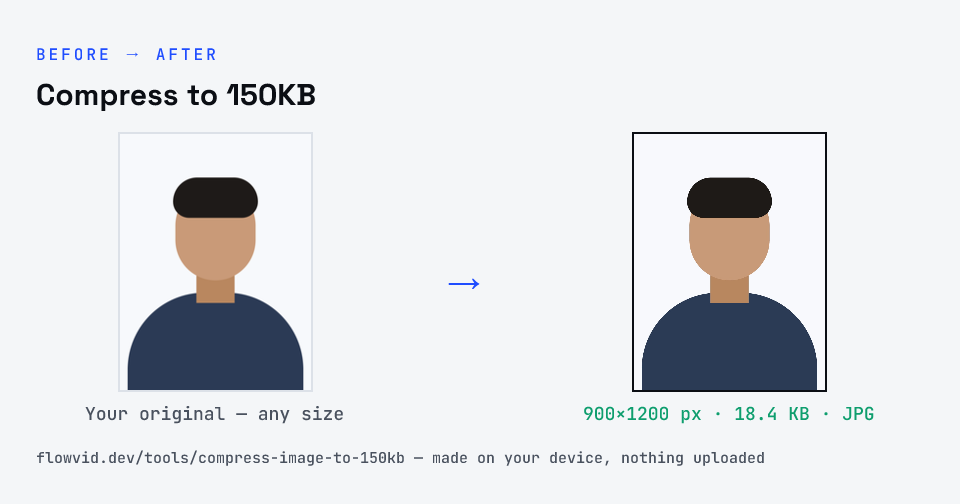
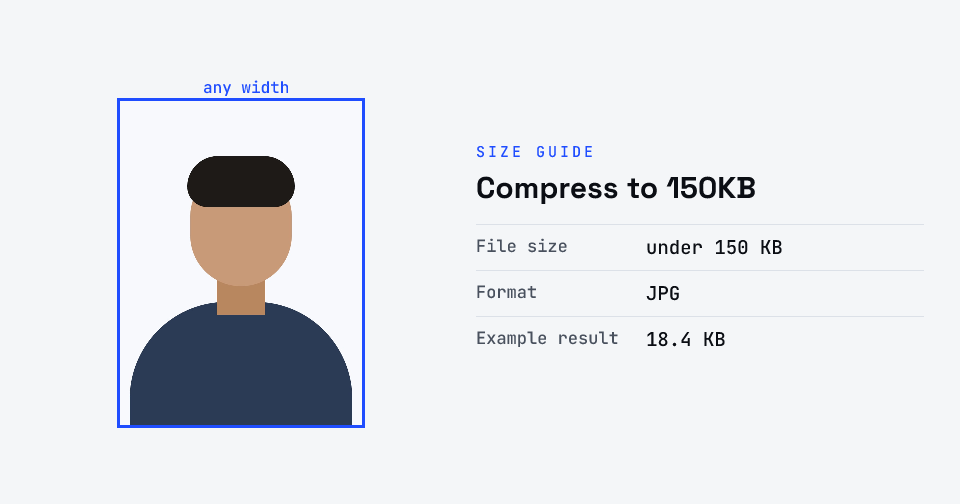
How to compress to 150kb
- Drop your image in, or click to browse and select it.
- The tool automatically finds the highest quality that still fits under 150KB.
- Check the live preview and the final file size.
- Download your optimised image — ready to upload.
What you can use it for
- High-quality web and portfolio images
- Forms with a 150KB upload limit
- Product photos for online stores
- Detailed images at a manageable size
Why use FlowVid Tools
- Private by design — your image is processed on your own device and is never uploaded to any server.
- Completely free and unlimited — no daily cap, no watermark, no sign-up.
- Fast — drop your image, get the result in seconds. No queues, no waiting.
Supported formats
This tool accepts JPG, PNG, WebP, HEIC as input and gives you a 150KB image as output. Everything happens on your device in seconds — your file is never uploaded, so there is nothing for anyone to keep.
JPG 150 KB and 150 KB photo size
"jpg 150 kb", "150 kb photo size" and "jpg compress 150 kb" are the same request: a JPG photo no larger than 150 KB. That is a generous limit — enough for a sharp, full-face photo at high resolution — so the tool usually needs to lower the JPEG quality only slightly and keeps the original pixel size where it can.