
Compress tool

Compress Image to 250KB Online — Free Photo Compressor & Converter

Reduce any image to under 250KB while keeping it sharp. A 250 kilobyte budget is generous enough for detailed photos that still need to fit a moderate upload limit — good for portals, listings and high-quality web images. It doubles as a free photo-to-250KB converter — compress or convert any JPG or PNG to 250KB in one click.

To compress a photo to 250KB, upload it and the tool re-encodes the image at the highest quality that still fits under 250KB, then hands you the file to download. "Compress to 250KB" and "convert to 250KB" are the same job — it works on any JPG, PNG or WebP photo and needs no sign-up.

100% private — your images never leave your device. No upload, no sign-up. Check it yourself: once this page loads, it works with your internet switched off.

target ≤ 250 KBon-device · not uploaded

Drop your image here

or click to browse

accepts: JPG, PNG, WebP, HEIC

Unlimited and free · processed on this device · nothing is uploaded

Required photo dimensions and file sizes differ between forms and change over time. This tool helps you hit a common target, but always verify the exact requirement on the official form or notification before you submit.

Example

What the result looks like

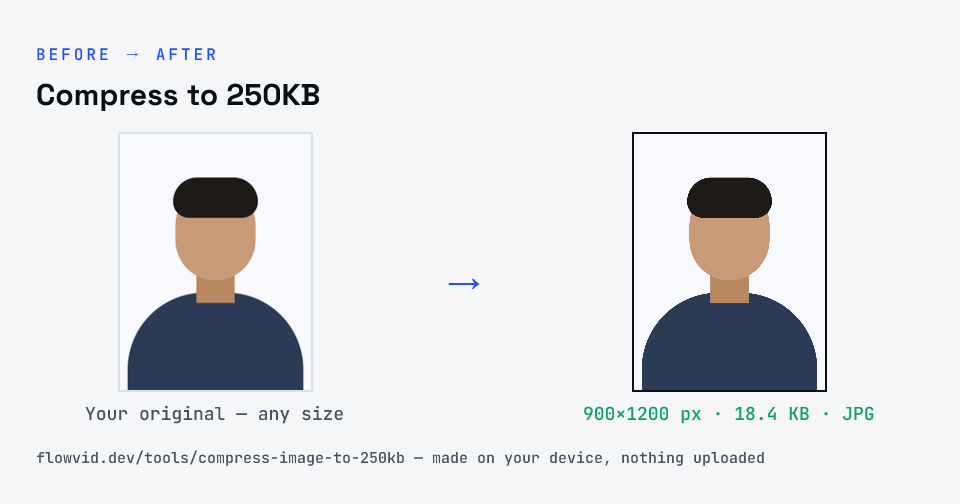
Example photo compressed to 18.4 KB — under 250 KB — as a JPG
Example photo compressed to 18.4 KB — under 250 KB — as a JPG.
Before and after: an original photo and the same photo made to 250 KB (18.4 KB) with Compress to 250KB
Compress to 250KB size guide: target 250 KB, max 250 KB, JPG

How to compress to 250kb

  1. Drop your image in, or click to browse and select it.
  2. The tool automatically finds the highest quality that still fits under 250KB.
  3. Check the live preview and the final file size.
  4. Download your optimised image — ready to upload.

What you can use it for

  • Forms and portals with a 250KB limit
  • Detailed product and listing photos
  • High-quality web and portfolio images
  • Sharing detailed photos at a smaller size

Why use FlowVid Tools

  • Private by design — your image is processed on your own device and is never uploaded to any server.
  • Completely free and unlimited — no daily cap, no watermark, no sign-up.
  • Fast — drop your image, get the result in seconds. No queues, no waiting.

Supported formats

This tool accepts JPG, PNG, WebP, HEIC as input and gives you a 250KB image as output. Everything happens on your device in seconds — your file is never uploaded, so there is nothing for anyone to keep.

FAQ

Frequently asked questions

01

Will a 250KB image still look high quality?

Yes. 250KB leaves plenty of room for detail, so for most photos the compressed version looks very close to the original on screen while being much smaller than a raw file.
02

Can I convert a photo to 250KB?

Yes — "compress to 250KB" and "convert to 250KB" mean the same thing here. The tool re-encodes your JPG or PNG and shrinks it to fit 250KB, so you can convert any photo to a 250KB file that's ready to upload.
03

Is my photo uploaded anywhere?

No. The tool runs inside your browser, so your photo is read and processed on your own phone or computer and never sent to our servers or anyone else's. We never receive it, so we can't see, keep or share it — which makes it safe for sensitive documents like Aadhaar, PAN, passports and bank statements.
04

Is this tool really free? Is there a daily limit?

Yes, it's free with no daily limit. Because the work happens on your device, an extra photo costs us nothing — so there's no cap, no watermark and no account needed. Process as many files as you like.
Nearby sizes

Need a different size?

Related

More tools you might need

Edit & resize

Resize, crop, rotate & compress PDF

Jump to a size

Compress to a specific size