

How to compress to 15kb
- Drop your image in, or click to browse and select it.
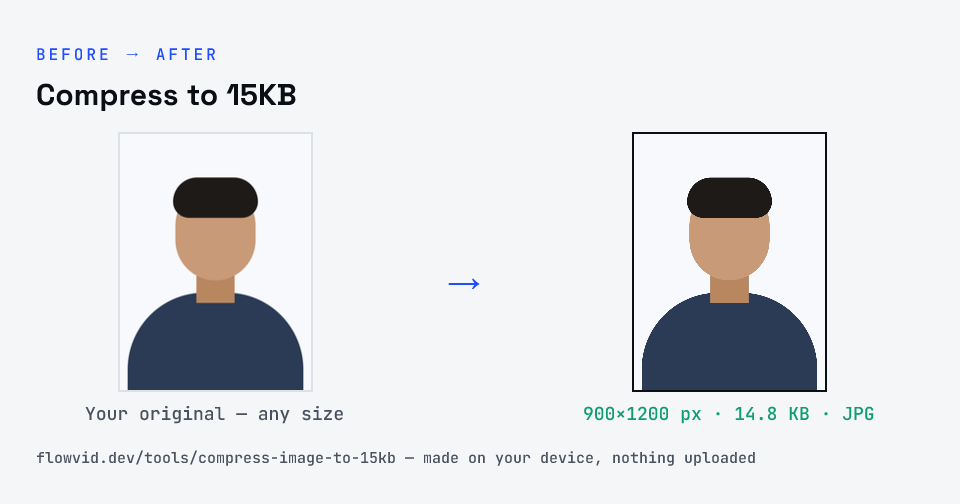
- The tool automatically finds the highest quality that still fits under 15KB.
- Check the live preview and the final file size.
- Download your optimised image — ready to upload.
What you can use it for
- Forms that specify a 15KB photo or signature
- Compact ID and document uploads
- Small profile thumbnails
- Squeezing under a tight limit without manual trial and error
Why use FlowVid Tools
- Private by design — your image is processed on your own device and is never uploaded to any server.
- Completely free and unlimited — no daily cap, no watermark, no sign-up.
- Fast — drop your image, get the result in seconds. No queues, no waiting.
Supported formats
This tool accepts JPG, PNG, WebP, HEIC as input and gives you a 15KB image as output. Everything happens on your device in seconds — your file is never uploaded, so there is nothing for anyone to keep.
15 KB photo size: photo resize 15 KB, photo compressor 15KB, JPG to 15 KB
A "15 KB photo size" limit means the photo file must be 15 KB or smaller — it says nothing about the picture's width and height. Forms that use it are usually asking for a small passport-style photo or a signature. Whether you search "photo resize 15 kb", "photo resizer 15kb", "photo compressor 15kb" or "jpg to 15 kb", this tool does the same thing: it turns your photo into a JPG of at most 15 KB.
At 15 KB a full phone photo has to shrink a lot, so the tool lowers the resolution before it lowers the JPEG quality — a smaller photo that stays clean rather than a large one that turns blocky. If the form also gives pixel dimensions, crop to them first with the exam page for your form.