

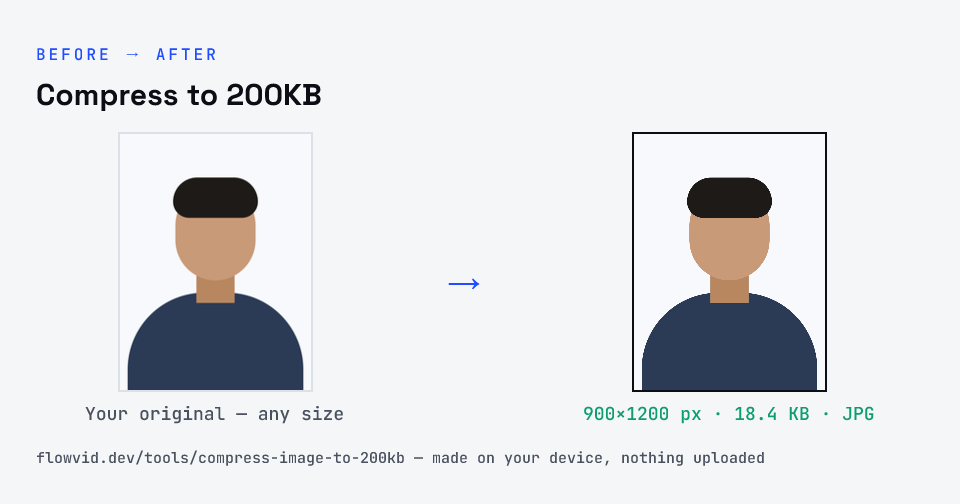
How to compress to 200kb
- Drop your image in, or click to browse and select it.
- The tool automatically finds the highest quality that still fits under 200KB.
- Check the live preview and the final file size.
- Download your optimised image — ready to upload.
What you can use it for
- High-quality web and portfolio images
- Forms with a 200KB upload limit
- Product photos for online stores
- Sharing detailed photos at a smaller size
Why use FlowVid Tools
- Private by design — your image is processed on your own device and is never uploaded to any server.
- Completely free and unlimited — no daily cap, no watermark, no sign-up.
- Fast — drop your image, get the result in seconds. No queues, no waiting.
Supported formats
This tool accepts JPG, PNG, WebP, HEIC as input and gives you a 200KB image as output. Everything happens on your device in seconds — your file is never uploaded, so there is nothing for anyone to keep.
Image compressor to 200KB
As an image compressor to 200KB, this tool is for uploads that allow a higher-quality photo: 200 KB holds a sharp, high-resolution JPG, so most phone photos need only light compression to fit.