
Compress tool

Compress JPEG to 200KB — Near-Original Quality

200KB is where JPEG compression stops being a compromise. A large photo that would look soft at 50KB keeps its texture, fine text and colour gradients here. Upload the JPG, download it just under 200KB, and compare the preview — at normal size you'd struggle to tell them apart.

To compress a JPEG to 200KB, upload it and the tool re-encodes it just under 200 kilobytes at a high quality setting. At 200KB most photos are visually indistinguishable from the original at normal size, so this suits detailed portraits, product shots, scanned pages and any upload where the reviewer will zoom in.

100% private — your images never leave your device. No upload, no sign-up. Check it yourself: once this page loads, it works with your internet switched off.

target ≤ 200 KBon-device · not uploaded

Drop your image here

or click to browse

accepts: JPG, PNG, WebP, HEIC

Unlimited and free · processed on this device · nothing is uploaded

Required photo dimensions and file sizes differ between forms and change over time. This tool helps you hit a common target, but always verify the exact requirement on the official form or notification before you submit.

Example

What the result looks like

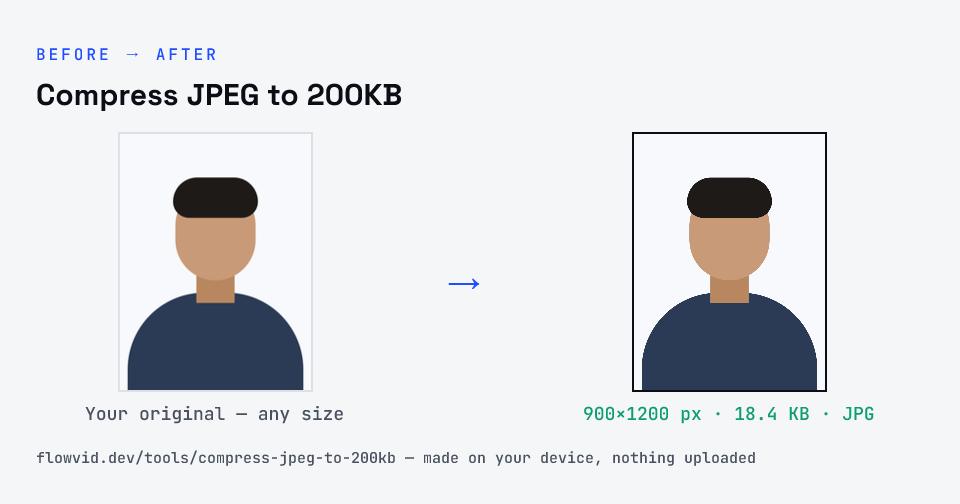
Example photo compressed to 18.4 KB — under 200 KB — as a JPG
Example photo compressed to 18.4 KB — under 200 KB — as a JPG.
Before and after: an original photo and the same photo made to 200 KB (18.4 KB) with Compress JPEG to 200KB
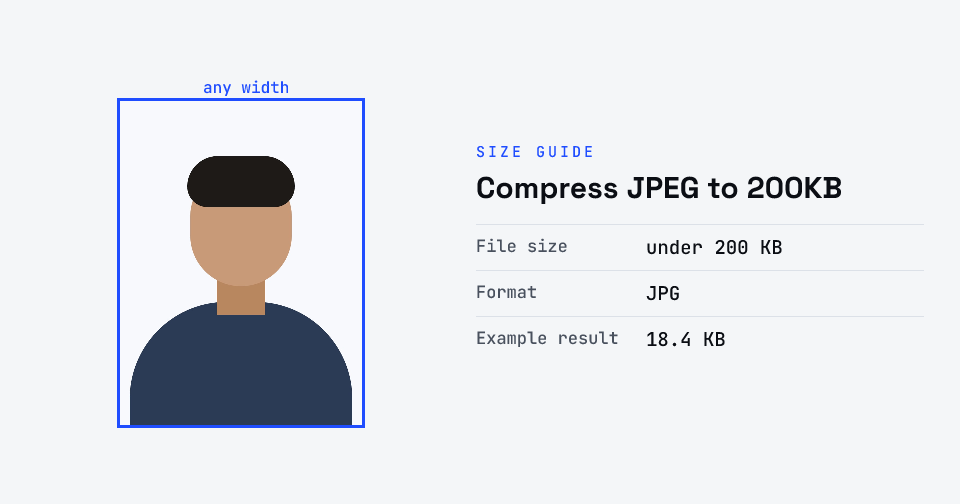
Compress JPEG to 200KB size guide: target 200 KB, max 200 KB, JPG

How to compress jpeg to 200kb

  1. Drop your image in, or click to browse and select it.
  2. The tool automatically finds the highest quality that still fits under 200KB.
  3. Check the live preview and the final file size.
  4. Download your optimised image — ready to upload.

What you can use it for

  • Uploads that allow JPGs up to 200KB
  • Product photos for marketplaces and catalogues
  • Scanned pages where small print must stay legible
  • Portfolio and blog images with fine detail

Why use FlowVid Tools

  • Private by design — your image is processed on your own device and is never uploaded to any server.
  • Completely free and unlimited — no daily cap, no watermark, no sign-up.
  • Fast — drop your image, get the result in seconds. No queues, no waiting.

Supported formats

This tool accepts JPG, PNG, WebP, HEIC as input and gives you a 200KB image as output. Everything happens on your device in seconds — your file is never uploaded, so there is nothing for anyone to keep.

Where JPEG artefacts show first

JPEG discards information in a predictable order: fine texture and sharp colour edges go before broad shapes. That's why compressed photos first lose crispness in hair, foliage and fabric, and why red text on a coloured background starts to bleed before black text on white does.

At 200KB those losses are minimal for most images. If your photo is unusually detailed and you can still see softness, try cropping it so more of the budget goes to the part that matters.

FAQ

Frequently asked questions

01

Can I check whether a 200KB JPEG lost quality?

Compare the preview with your original at the size it'll be viewed. Then zoom into an edge or a patch of fine texture — hair, fabric, small print — which is where JPEG compression shows first. At 200KB you'll usually need to zoom a long way before seeing any difference.
02

Is 200KB enough for a printed photo?

For small prints, often yes, provided the image still has enough pixels — around 1,200 by 1,800 for a 4×6 inch print at 300 DPI. For large prints, keep the original file; compression for upload and quality for print pull in opposite directions.
03

Should I use 200KB JPEG or WebP for a website?

WebP usually reaches the same visual quality in a smaller file, so it's a good choice where you control the site. Where a form or platform asks for JPG, a 200KB JPEG is a safe, high-quality option.
04

Why did the tool reduce my photo's pixel size at 200KB?

Because it was very large — tens of megapixels, or a detailed panorama — and keeping every pixel would have meant a low quality setting. A slightly smaller, cleanly encoded image looks better than a full-size one full of artefacts.
05

Can I compress a PNG to a 200KB JPEG?

Yes. A PNG photo is often many times larger than the same picture as a JPG, so converting it is usually where most of the saving comes from. Transparent areas don't carry over into a JPG.
06

Is my photo uploaded anywhere?

No. The tool runs inside your browser, so your photo is read and processed on your own phone or computer and never sent to our servers or anyone else's. We never receive it, so we can't see, keep or share it — which makes it safe for sensitive documents like Aadhaar, PAN, passports and bank statements.
07

Is this tool really free? Is there a daily limit?

Yes, it's free with no daily limit. Because the work happens on your device, an extra photo costs us nothing — so there's no cap, no watermark and no account needed. Process as many files as you like.
Nearby sizes

Need a different size?

Related

More tools you might need

Edit & resize

Resize, crop, rotate & compress PDF

Jump to a size

Compress to a specific size