
How to resize image to 200kb
- Drop your image in, or click to browse and select it.
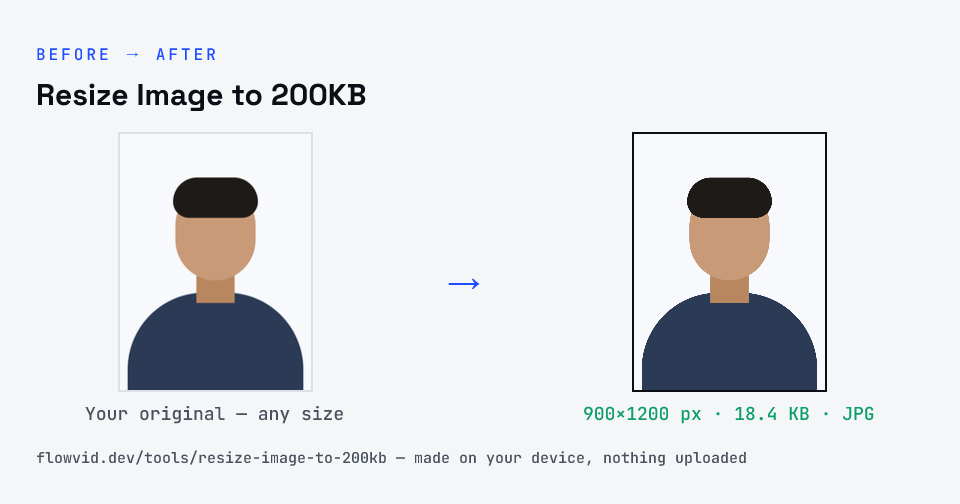
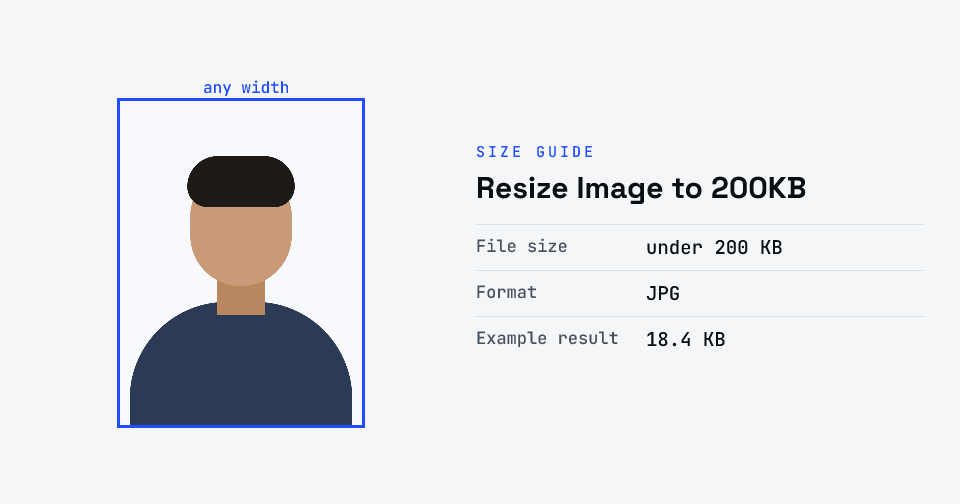
- The tool automatically finds the highest quality that still fits under 200KB.
- Check the live preview and the final file size.
- Download your optimised image — ready to upload.
What you can use it for
- Forms and portals that accept images up to 200KB
- A scanned A4 page saved as a JPG
- Product and listing photos for online shops
- Blog or website images that should still load quickly
Why use FlowVid Tools
- Private by design — your image is processed on your own device and is never uploaded to any server.
- Completely free and unlimited — no daily cap, no watermark, no sign-up.
- Fast — drop your image, get the result in seconds. No queues, no waiting.
Supported formats
This tool accepts JPG, PNG, WebP, HEIC as input and gives you a 200KB image as output. Everything happens on your device in seconds — your file is never uploaded, so there is nothing for anyone to keep.
When 200KB is the right target
Small caps like 20KB or 50KB exist so portals can store millions of tiny ID photos. A 200KB limit usually signals that someone needs to actually read or inspect the image — a certificate, a receipt, a product, or a higher-resolution portrait. Sharpness is the priority, so start from the camera original and avoid re-saving it in other apps first.
Uploading several pages? Check whether the portal wants a PDF instead. A multi-page PDF under 200KB is a different job, handled by the PDF compressor, where the budget is shared across every page.