

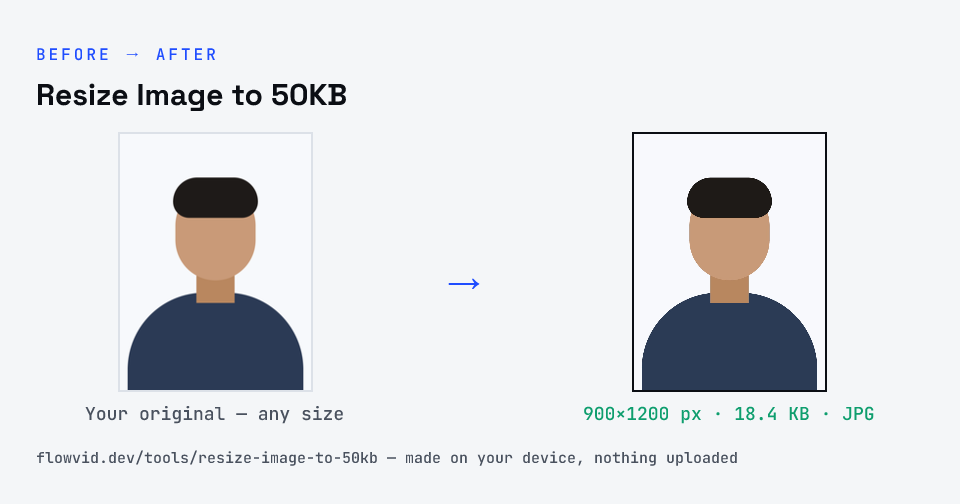
How to resize image to 50kb
- Drop your image in, or click to browse and select it.
- The tool automatically finds the highest quality that still fits under 50KB.
- Check the live preview and the final file size.
- Download your optimised image — ready to upload.
What you can use it for
- Application forms that cap photos at 50KB
- PAN, passport-style and admission photo uploads
- Resizing a gallery photo on Android or iPhone without an app
- Shrinking an image received on WhatsApp for a portal
Why use FlowVid Tools
- Private by design — your image is processed on your own device and is never uploaded to any server.
- Completely free and unlimited — no daily cap, no watermark, no sign-up.
- Fast — drop your image, get the result in seconds. No queues, no waiting.
Supported formats
This tool accepts JPG, PNG, WebP, HEIC as input and gives you a 50KB image as output. Everything happens on your device in seconds — your file is never uploaded, so there is nothing for anyone to keep.
Resize to 50KB without losing the face
At 50 kilobytes there is room for a natural-looking portrait, so the main risk isn't the limit — it's starting from a poor copy. Use the original camera photo, not a screenshot of it or a version that has been forwarded several times; every round of compression throws away detail that can't be brought back.
If the form displays the photo small, a width of around 300 to 600 pixels is plenty and leaves the compressor free to use a high quality setting. Check the preview and the size on the result card, and run it again from the original if you want a different crop.