PDF tool

Compress PDF to Any Size — Free PDF Size Reducer & Resizer

Shrink any PDF to the exact size an upload form allows. Choose a target from 50KB to 2MB and this PDF size reducer gets your document under it — losslessly when it can, by carefully re-rendering the pages when it must. Switch the size and it re-runs instantly. It all happens on your device, so the PDF is never uploaded.

To compress a PDF to a specific size, pick the limit your form allows — 100KB, 200KB, 500KB or 1MB are the most common — and drop the PDF in. The tool tries a lossless rewrite first and only re-renders the pages if it has to, then hands you a PDF measured to be under that size.

100% private — your images never leave your device. No upload, no sign-up. Check it yourself: once this page loads, it works with your internet switched off.

PDF · size you chooseon-device · not uploaded

File size — choose what your form needs

Drop your PDF here

or click to browse

accepts: PDF

Unlimited and free · processed on this device · nothing is uploaded

Example

What the result looks like

Example document page converted to JPG, 620×877 px, 20.8 KB
Example document page converted to JPG, 620×877 px, 20.8 KB.
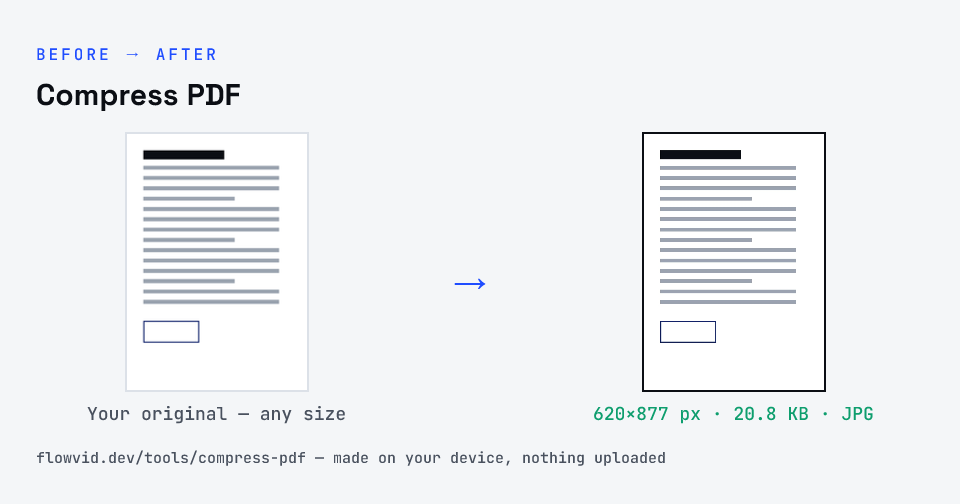
Before and after: an original document page and the same document page made to 200 KB (20.8 KB) with Compress PDF
Compress PDF size guide: target 200 KB, JPG

How to compress pdf

  1. Pick the size your form allows (you can change it later).
  2. Drop your PDF in, or click to browse and select it.
  3. The tool shrinks it until the finished file fits — tap another size to re-run.
  4. Download the compressed PDF, ready to upload.

What you can use it for

  • Reduce a scanned certificate or marksheet to a portal's KB limit
  • Shrink Aadhaar, PAN or bank-statement PDFs for KYC uploads
  • Get a multi-page application under 1MB or 2MB
  • Make a PDF small enough to email or share on WhatsApp

Why use FlowVid Tools

  • Private by design — your PDF is processed on your own device and is never uploaded.
  • Any size from 50KB to 2MB, measured on the finished file.
  • Free and unlimited — no daily cap, no watermark, no sign-up.

Supported formats

This tool accepts PDF as input and gives you a PDF at the size you pick as output. Everything happens on your device in seconds — your file is never uploaded, so there is nothing for anyone to keep.

Why PDF upload limits are so strict

Government, exam and banking portals cap uploads to keep millions of applications manageable, and most of them check the size in decimal kilobytes before they look at anything else. A 205KB file is rejected by a 200KB limit even though it looks fine — so this tool measures the finished file and only stops once it is genuinely under.

Phone scans are the usual culprit. A single page photographed at 12 megapixels can be several megabytes inside a PDF, which is why a scan that looks simple often comes out far over the limit.

FAQ

Frequently asked questions

01

What size should I compress my PDF to?

Use the exact limit printed on the form — for example "PDF, max 200 KB". If the form gives a range, aim for the top of it: a larger file keeps more detail. Common limits on Indian portals are 100KB, 200KB, 300KB, 500KB and 1MB to 2MB.
02

Is this the same as a PDF resizer?

Yes — people search for "PDF resizer", "PDF size reducer" and "compress PDF" for the same job: making the file size smaller. This tool doesn't change the page size (A4 stays A4); it reduces how many kilobytes the file takes.
03

How does it make the PDF smaller without wrecking it?

In three steps, stopping at the first that works. If your PDF is already under the limit, it's returned untouched. Next it tries a lossless rewrite of the file structure, which keeps text selectable. Only if that isn't enough does it re-render each page as an image and search for the sharpest resolution and JPEG quality that still fits — reducing resolution before quality, so pages go slightly soft rather than blocky.
04

Will the text in my PDF still be selectable?

If the lossless step is enough, yes. If the pages have to be re-rendered to reach the size, the text looks the same but becomes part of the page image, so it can't be selected or searched. Upload portals only need the document to be readable, so this doesn't affect acceptance — but keep your original if you need editable text later.
05

Is my PDF uploaded to a server?

No. The PDF is opened and compressed inside your browser, on your own phone or computer — it is never sent to our servers or anyone else's. That matters for the documents people usually shrink: Aadhaar and PAN copies, marksheets, bank statements and signed forms.
06

Is there a limit on files or pages?

There is no daily limit and no sign-up. Because the work happens on your device, a very long PDF simply takes a little longer on an older phone — and the more pages share a small size limit, the softer each page gets.
Related

More tools you might need

Read next

Guides for this tool

Edit & resize

Resize, crop, rotate & compress PDF

Jump to a size

Compress to a specific size