

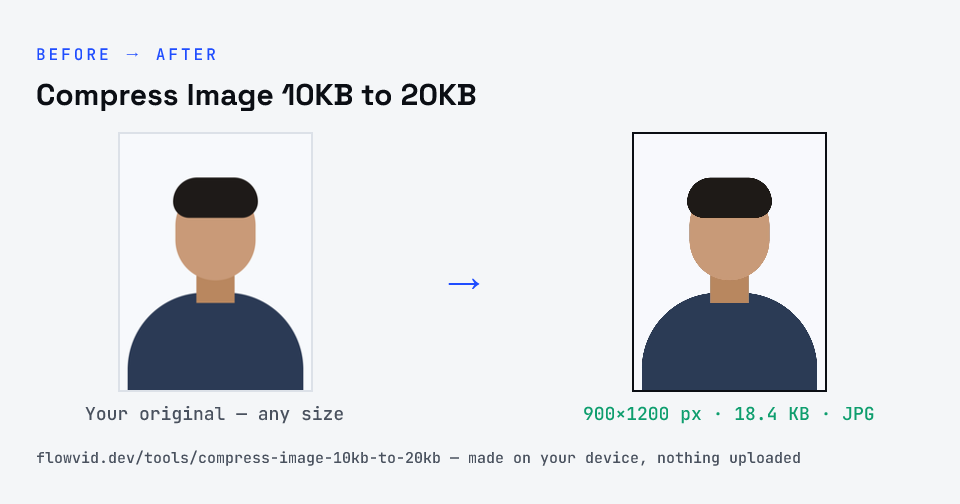
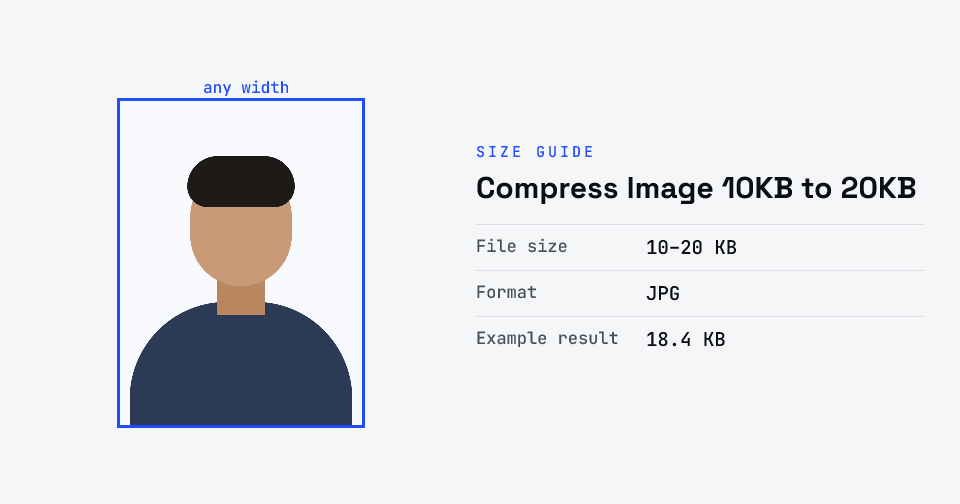
How to compress image 10kb to 20kb
- Upload your image, or drag and drop it.
- Pick a target inside the 10–20 KB band.
- The tool re-encodes to just under the target and pads a too-small file up to 10 KB.
- Download — the file is inside the band whichever way the portal counts a KB.
What you can use it for
- Forms that ask for 10–20 KB (SSC signatures, IBPS and bank signatures, UPSSSC and PAN)
- Signature scans that came out too small
- Phone photos that are far too big
- Re-uploading a file rejected for its size
Why use FlowVid Tools
- Private by design — your image is processed on your own device and is never uploaded to any server.
- Completely free and unlimited — no daily cap, no watermark, no sign-up.
- Fast — drop your image, get the result in seconds. No queues, no waiting.
Supported formats
This tool accepts JPG, PNG, WebP, HEIC as input and gives you a JPG between 10 and 20 KB as output. Everything happens on your device in seconds — your file is never uploaded, so there is nothing for anyone to keep.