
How to ssc cgl photo & signature size
- Upload your photo or signature.
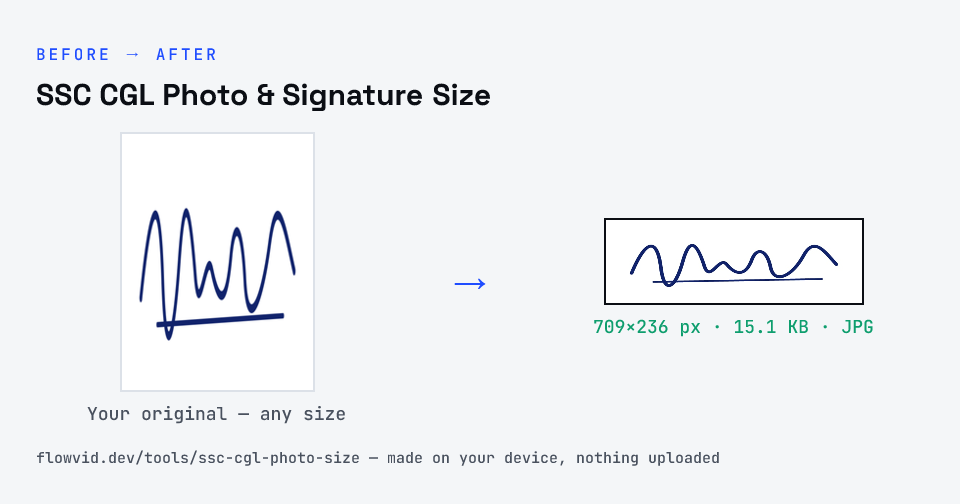
- The tool resizes it to 709×236 px and compresses it to the required size.
- Preview the result and check the dimensions and file size.
- Download the ready-to-upload file.
What you can use it for
- SSC CGL Tier-1 application signature
- Graduate-level SSC posts
- Re-uploading a rejected signature
- Other SSC exam signatures
Why use FlowVid Tools
- Private by design — your image is processed on your own device and is never uploaded to any server.
- Completely free and unlimited — no daily cap, no watermark, no sign-up.
- Fast — drop your image, get the result in seconds. No queues, no waiting.
Supported formats
This tool accepts JPG, PNG, WebP, HEIC as input and gives you a 709×236 px as output. Everything happens on your device in seconds — your file is never uploaded, so there is nothing for anyone to keep.
SSC CGL photo and signature size 2022, 2023 and 2026
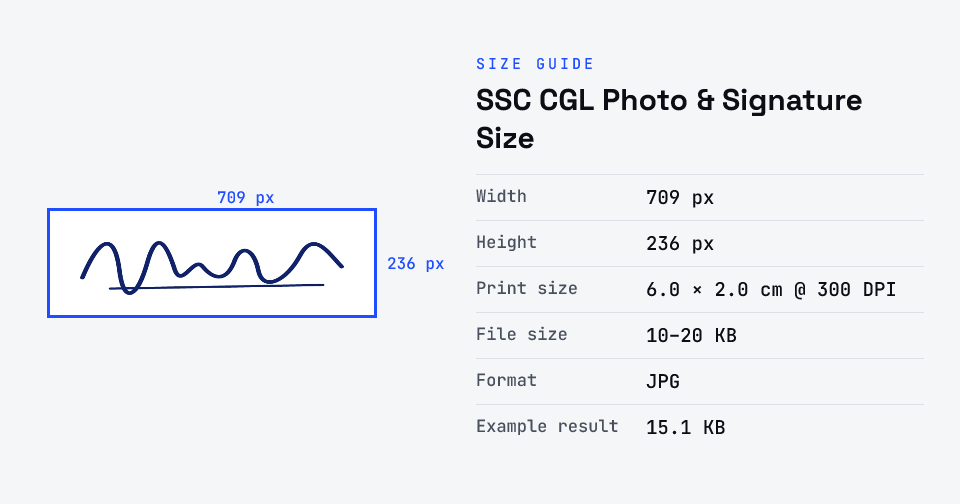
If you searched for the SSC CGL photo and signature size for 2022 or 2023, the requirement has changed since. Under the CGL 2026 notice (dated 21 May 2026, checked 30 Oct 2026), the photograph is captured live during the application, and you upload only the signature: a JPEG of 10–20 KB, about 6.0 × 2.0 cm.
Older cycles required a scanned photograph upload too. Guides written for 2022 or 2023 that give a photo KB size no longer apply to the current form — prepare your signature, good lighting and a plain background instead.