

How to photo size checker
- Optionally pick your exam or ID upload from the list.
- Drop in your photo or signature.
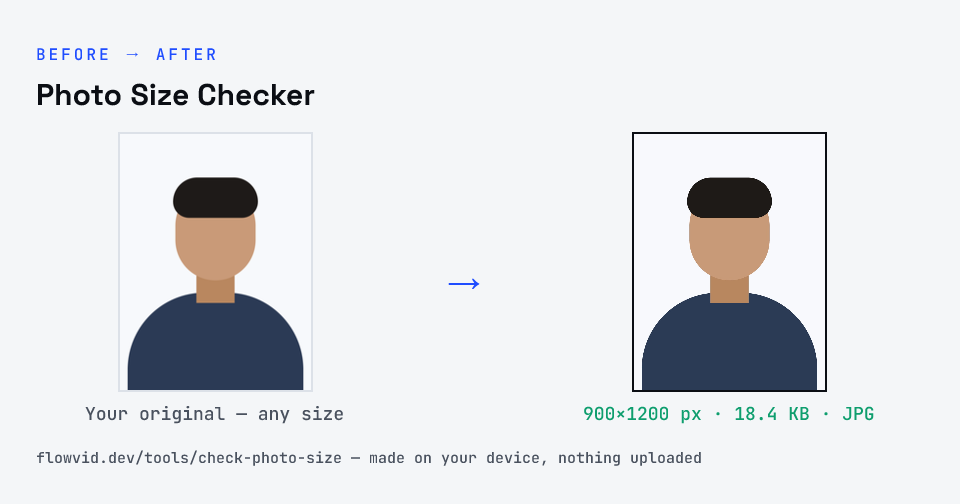
- Read the format, pixels, KB, DPI and print size — with a pass or fail for each requirement.
- If something fails, follow the link to the resizer that makes it fit.
What you can use it for
- Checking an exam photo or signature before the final submit
- Finding out why a portal says “invalid dimensions” or “file too large”
- Reading the DPI and print size of a scan
- Confirming a resized file really is JPG, not a renamed PNG
Why use FlowVid Tools
- Private by design — your image is processed on your own device and is never uploaded to any server.
- Completely free and unlimited — no daily cap, no watermark, no sign-up.
- Fast — drop your image, get the result in seconds. No queues, no waiting.
Supported formats
This tool accepts JPG, PNG, WebP, HEIC as input and gives you a format, pixels, KB, DPI and pass/fail as output. Everything happens on your device in seconds — your file is never uploaded, so there is nothing for anyone to keep.