
Government tool

Passport Size Photo Maker — Print 8 to 30 Photos on A4 or 4×6, Free

Turn one photo into a sheet of passport size photos you can print at home, at a cyber café or at a photo shop. Pick 35 × 45 mm, 2 × 2 inch or stamp size, choose A4 or 4 × 6 photo paper and how many copies you need, and download a PDF and a JPG that print at exactly the right size. Your photo is processed on your device and never uploaded.

To print passport size photos on A4, upload a photo, choose 35 × 45 mm and A4, and download the PDF. Up to 30 photos fit on one A4 sheet (8 on 4 × 6 inch photo paper) at 300 DPI, with cut lines. Print it at 100% or “Actual size” — not “Fit to page” — so every photo measures exactly 35 × 45 mm.

100% private — your images never leave your device. No upload, no sign-up. Check it yourself: once this page loads, it works with your internet switched off.

35 × 45 mm · A4 · 8 photos · 300 DPIon-device · not uploaded
Photo size
Paper
Copies — up to 30 fit on A4

Drop your photo here

or click to browse

accepts: JPG, PNG, WebP, HEIC

Unlimited and free · processed on this device · nothing is uploaded

Compare every exam's photo & signature size →

Required photo dimensions and file sizes differ between forms and change over time. This tool helps you hit a common target, but always verify the exact requirement on the official form or notification before you submit.

UsePhoto sizeFits on A4Fits on 4 × 6 in
Indian forms, UK, Schengen and most visas35 × 45 mm (3.5 × 4.5 cm)308
US passport and visa2 × 2 in (51 × 51 mm)152
Stamp size (studio size, some forms)20 × 25 mm9120
Some ID cards and older forms30 × 40 mm369
Common printed photo sizes. Always follow the size printed in your own form or embassy checklist.
Example

What the result looks like

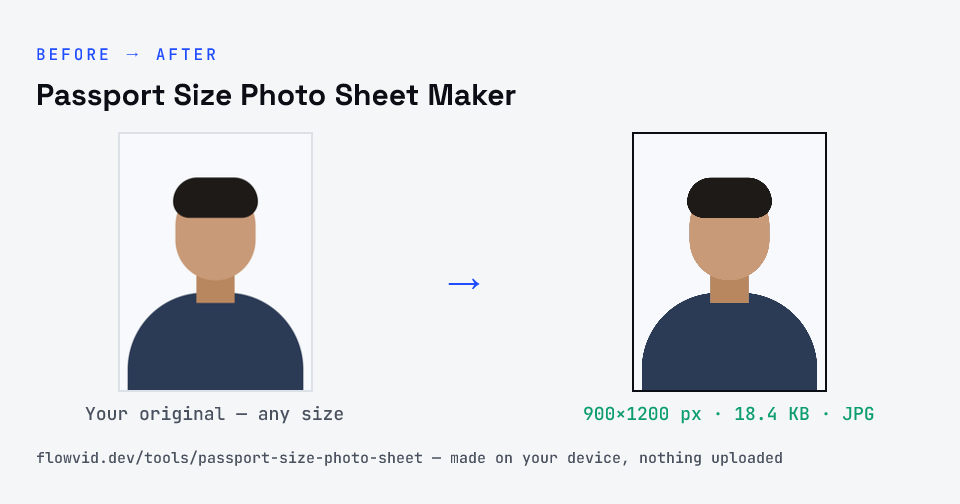
Example photo converted to JPG, 900×1200 px, 18.4 KB
Example photo converted to JPG, 900×1200 px, 18.4 KB.
Before and after: an original photo and the same photo made to JPG (18.4 KB) with Passport Size Photo Sheet Maker
Passport Size Photo Sheet Maker size guide: target JPG, JPG

How to passport size photo sheet maker

  1. Choose the photo size (35 × 45 mm, 2 × 2 inch or stamp size), the paper and the number of copies.
  2. Upload a clear, front-facing photo on a plain light background.
  3. The tool crops the face to the photo size and lays the copies out at 300 DPI with cut lines. Drag the frame or rotate if needed.
  4. Download the PDF (or JPG) and print it at 100% / Actual size on A4 or 4 × 6 photo paper, then cut along the lines.

What you can use it for

  • Visa, OCI and passport applications that ask for printed photos
  • Admit cards, exam centre attendance sheets and college admission forms
  • Bank KYC, SIM cards, ID cards and job joining forms
  • Printing a stock of photos at a cyber café or CSC instead of a studio

Why use FlowVid Tools

  • Private by design — your image is processed on your own device and is never uploaded to any server.
  • Completely free and unlimited — no daily cap, no watermark, no sign-up.
  • Fast — drop your image, get the result in seconds. No queues, no waiting.

Supported formats

This tool accepts JPG, PNG, WebP, HEIC as input and gives you a print-ready PDF and 300 DPI JPG sheet as output. Everything happens on your device in seconds — your file is never uploaded, so there is nothing for anyone to keep.

FAQ

Frequently asked questions

01

How many passport size photos fit on an A4 sheet?

Thirty photos of 35 × 45 mm fit on one A4 sheet (5 across, 6 down) with a small gap and cut lines between them. On 4 × 6 inch photo paper, 8 fit. Choose fewer copies if you only need a few — the tool lays out exactly as many as you pick.
02

What is the passport size photo size in India?

The usual printed passport size in India is 35 × 45 mm (3.5 × 4.5 cm): a recent colour photo, front-facing, on a plain white or light background, with the face taking up most of the frame. Online forms ask for a digital file instead — use the exam or ID resizers on this site for those.
03

How do I print the sheet at the right size?

Open the PDF and, in the print dialog, choose 100% or “Actual size” — not “Fit to page” or “Shrink to fit”, which make the photos smaller. Use A4 paper (or 4 × 6 photo paper for the 4 × 6 layout). Measure one photo with a ruler: it should be exactly 35 × 45 mm.
04

Can I print name and date on the photos?

Yes. Tick “Print name & date on each photo”, type your name and the date the photo was taken, and every copy gets a white strip with them under the face — as some exam and admission forms ask for.
05

Can I use a phone photo?

Yes. Stand against a plain light wall in good daylight, face the camera straight on and take the photo from about a metre away. The tool crops the face to the passport shape; if it picks the wrong area, tap Adjust crop and drag the frame, or tap Rotate for a sideways photo.
06

Is my photo uploaded anywhere?

No. The tool runs inside your browser, so your photo is read and processed on your own phone or computer and never sent to our servers or anyone else's. We never receive it, so we can't see, keep or share it — which makes it safe for sensitive documents like Aadhaar, PAN, passports and bank statements.
07

Is this tool really free? Is there a daily limit?

Yes, it's free with no daily limit. Because the work happens on your device, an extra photo costs us nothing — so there's no cap, no watermark and no account needed. Process as many files as you like.
Related

More tools you might need

Exams

Find your exam or ID form

Read next

Guides for this tool

Edit & resize

Resize, crop, rotate & compress PDF

Jump to a size

Compress to a specific size