Railway Recruitment Boards take the RRB JE photo live during the application, so the only image you prepare is the signature. Sign in black ink on white paper, photograph it, and this tool crops to the ink, whitens the paper and keeps the file between 30 and 49 KB at the right shape. It runs on your device — nothing is uploaded.
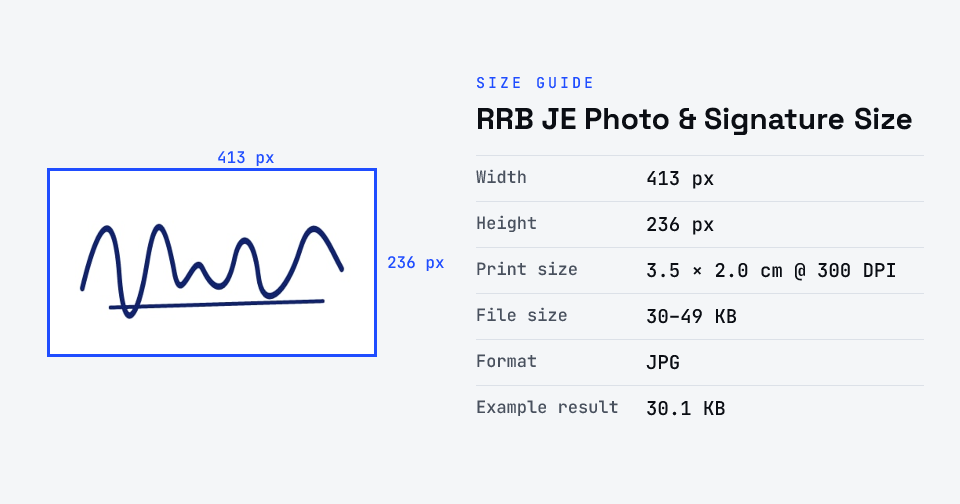
For RRB JE (CEN 05/2025), you don't upload a photograph — RRB captures a live photo by webcam or your phone's front camera. The image you upload is your signature: a JPG/JPEG of 30–49 KB, at least 140 × 60 pixels, in running handwriting with black ink on white paper, inside a 35 × 20 mm box.
Partly verified · last checked 31 Oct 2026
The JE notice confirms the live photo (para 14.4) and the standard signature paragraph (14.5.1); the 30–49 KB / 140 × 60 px figures are quoted from the same-cycle official RRB Technician FAQ, as our checker could not read page 25 of the JE PDF. Blogs quoting 30–70 KB are wrong.
Notices change between cycles — if yours says something different, follow your notice.
How to rrb je photo & signature size
- Upload your photo or signature.
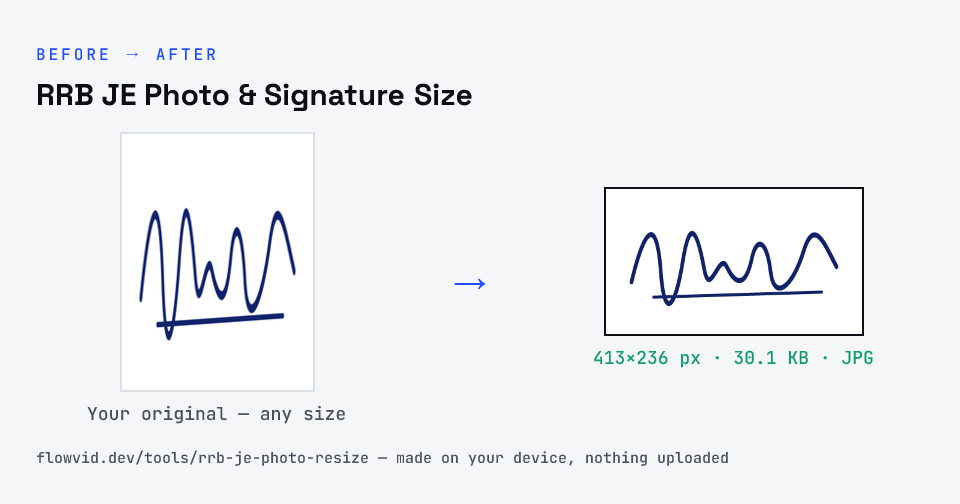
- The tool resizes it to 413×236 px and compresses it to the required size.
- Preview the result and check the dimensions and file size.
- Download the ready-to-upload file.
What you can use it for
- RRB JE applications (CEN 05/2025)
- Other RRB notices that use the same signature paragraph
- Re-uploading a rejected signature
- Turning a phone photo of a signature into a clean upload
Why use FlowVid Tools
- Private by design — your image is processed on your own device and is never uploaded to any server.
- Completely free and unlimited — no daily cap, no watermark, no sign-up.
- Fast — drop your image, get the result in seconds. No queues, no waiting.
Supported formats
This tool accepts JPG, PNG, WebP, HEIC as input and gives you a 413×236 px as output. Everything happens on your device in seconds — your file is never uploaded, so there is nothing for anyone to keep.