Prepare all four IBPS RRB uploads on one page. Pick Photo, Signature, Left thumb or Declaration above the upload box, or drop the file in and the tool switches to the right one. Each is saved at the preferred pixels and inside its KB range. Nothing is uploaded.
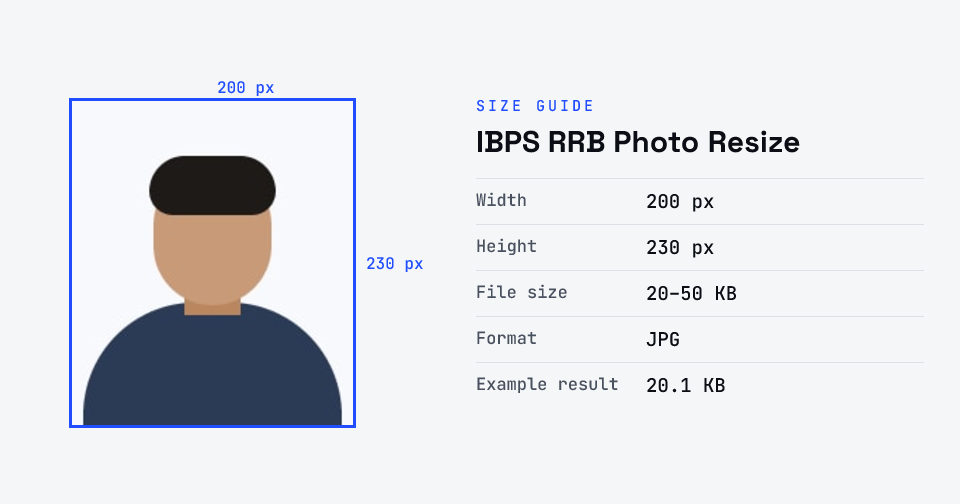
For IBPS RRB PO and Clerk (CRP RRBs XV), the photo is 200 × 230 pixels, 20–50 KB; the signature 140 × 60 pixels, 10–20 KB, in black ink and not in capitals; the left thumb impression 240 × 240 pixels, 20–50 KB; and the handwritten declaration 800 × 400 pixels, 50–100 KB — all JPG/JPEG. A live photo is also captured by webcam or phone during registration.
Checked against the official notice · last checked 31 Oct 2026
Pixel sizes are “preferred” in the annexure (Annexure III); the KB ranges are firm. CRP RRBs XIV (2025) used the same annexure. ibps.in blocked our checker, so the text was read from an identical copy of the PDF.
Notices change between cycles — if yours says something different, follow your notice.
How to ibps rrb photo resize
- Upload your photo or signature.
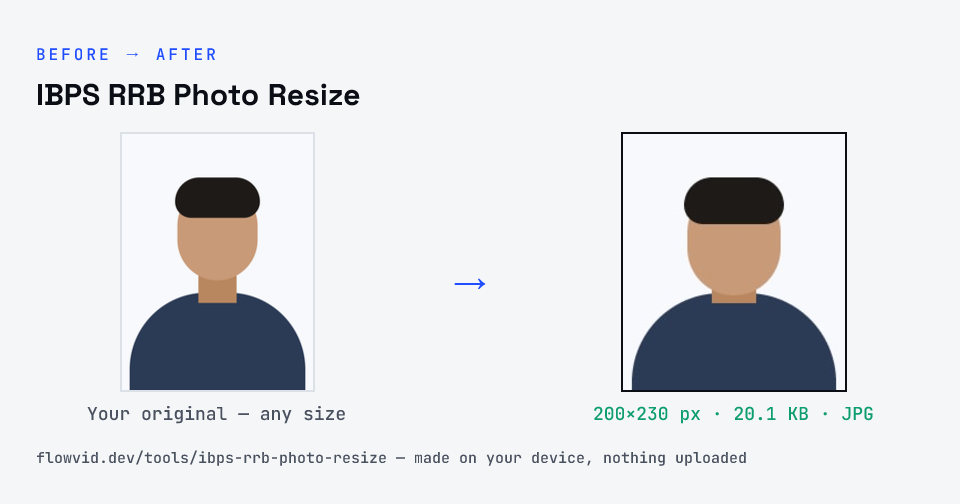
- The tool resizes it to 200×230 px and compresses it to the required size.
- Preview the result and check the dimensions and file size.
- Download the ready-to-upload file.
What you can use it for
- IBPS RRB PO and Clerk (CRP RRBs XV) applications
- Other recruitments on the IBPS platform with the same annexure
- Left thumb impression and handwritten declaration uploads
- Re-uploading a rejected document
Why use FlowVid Tools
- Private by design — your image is processed on your own device and is never uploaded to any server.
- Completely free and unlimited — no daily cap, no watermark, no sign-up.
- Fast — drop your image, get the result in seconds. No queues, no waiting.
Supported formats
This tool accepts JPG, PNG, WebP, HEIC as input and gives you a 200×230 px as output. Everything happens on your device in seconds — your file is never uploaded, so there is nothing for anyone to keep.