
Compress tool

Compress Image to Any Size — 10KB to 200KB

Need a specific file size? Pick your target — anywhere from 10KB to 200KB — and this tool compresses your photo to fit it. It's the fastest way to convert one photo to several sizes, like going from 20KB to 100KB for different forms, without opening a new tool each time. Files never leave your device.

100% private — your images never leave your device. No upload, no sign-up. Check it yourself: once this page loads, it works with your internet switched off.

pick a target sizeon-device · not uploaded

Target size — tap to switch any time

Drop your image here

or click to browse

accepts: JPG, PNG, WebP, HEIC

Unlimited and free · processed on this device · nothing is uploaded

Required photo dimensions and file sizes differ between forms and change over time. This tool helps you hit a common target, but always verify the exact requirement on the official form or notification before you submit.

TargetGood forQuality
10–20 KBSignatures, strict passport/exam formsBasic
30–50 KBMost government & job application photosGood
100 KBWeb images, blogs, general uploadsHigh
200 KBDetailed photos, generous upload limitsVery high
Pick the size your form needs — each target re-compresses the same photo instantly.
Example

What the result looks like

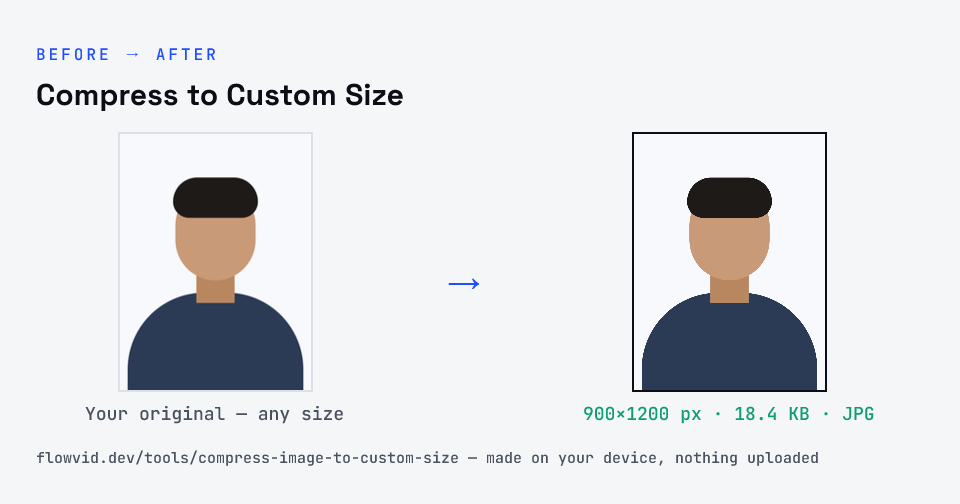
Example photo compressed to 18.4 KB — under 30 KB — as a JPG
Example photo compressed to 18.4 KB — under 30 KB — as a JPG.
Before and after: an original photo and the same photo made to 30 KB (18.4 KB) with Compress to Custom Size
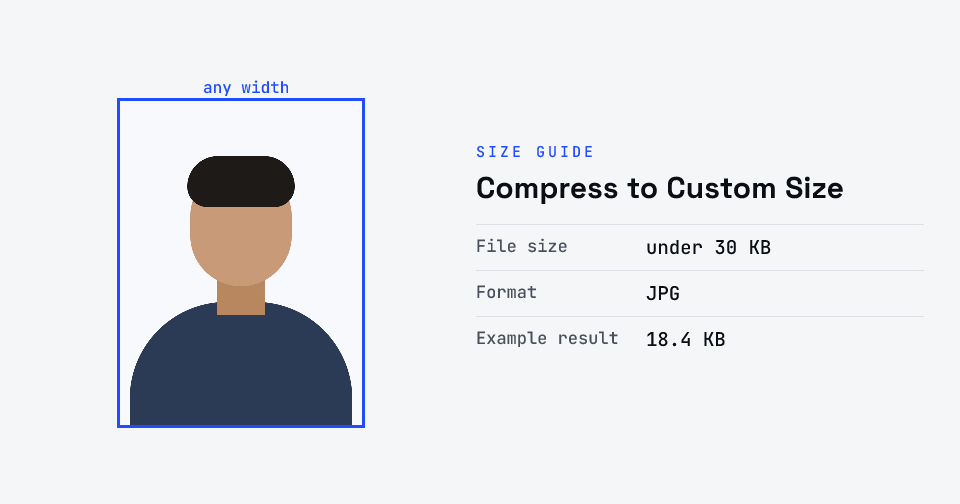
Compress to Custom Size size guide: target 30 KB, max 30 KB, JPG

How to compress to custom size

  1. Choose your target size — 10KB up to 200KB.
  2. Drop your image in, or click to browse.
  3. The tool compresses it to fit the size you picked.
  4. Switch targets any time to re-compress the same photo.

What you can use it for

  • Hit an exact KB requirement on any form
  • Make one photo in several sizes (20KB, 50KB, 100KB)
  • Try different targets and compare quality instantly
  • Convert a photo to a custom size for upload

Why use FlowVid Tools

  • Private by design — your image is processed on your own device and is never uploaded to any server.
  • Completely free and unlimited — no daily cap, no watermark, no sign-up.
  • Fast — drop your image, get the result in seconds. No queues, no waiting.

Supported formats

This tool accepts JPG, PNG, WebP, HEIC as input and gives you a resized image as output. Everything happens on your device in seconds — your file is never uploaded, so there is nothing for anyone to keep.

One photo, every size you need

Most compressors lock you to a single size. But people filling forms often need the same photo at more than one target — 20KB for the signature box, 50KB for the photo field, 100KB somewhere else. Searches like "photo 20kb to 100kb" are people looking for exactly this: a way to pick the size instead of hunting for a separate tool each time.

This converter keeps your uploaded photo in the browser and re-compresses it to whichever target you tap. Because nothing is re-uploaded between sizes, switching from 20KB to 100KB is instant, and your image never leaves your device — nothing is ever uploaded.

FAQ

Frequently asked questions

01

How do I compress a photo from 20KB to 100KB?

Just pick the size you need from the selector. The tool re-compresses your original photo to that exact target, so you can move between 20KB, 50KB and 100KB versions of the same image in seconds without losing the original.
02

Can I make the same photo in different sizes?

Yes. Upload once, then tap a different target — 10, 20, 30, 50, 100 or 200KB — and the tool produces a new version at that size each time. Download the ones you need.
03

Which size should I choose?

Use the smallest size your form accepts: 10–20KB for signatures and strict forms, 30–50KB for most application photos, and 100–200KB when you want a sharper image and the limit allows it.
04

Is my photo uploaded anywhere?

No. The tool runs inside your browser, so your photo is read and processed on your own phone or computer and never sent to our servers or anyone else's. We never receive it, so we can't see, keep or share it — which makes it safe for sensitive documents like Aadhaar, PAN, passports and bank statements.
05

Is this tool really free? Is there a daily limit?

Yes, it's free with no daily limit. Because the work happens on your device, an extra photo costs us nothing — so there's no cap, no watermark and no account needed. Process as many files as you like.
Related

More tools you might need

Read next

Guides for this tool

Edit & resize

Resize, crop, rotate & compress PDF

Jump to a size

Compress to a specific size