
How to image to pdf
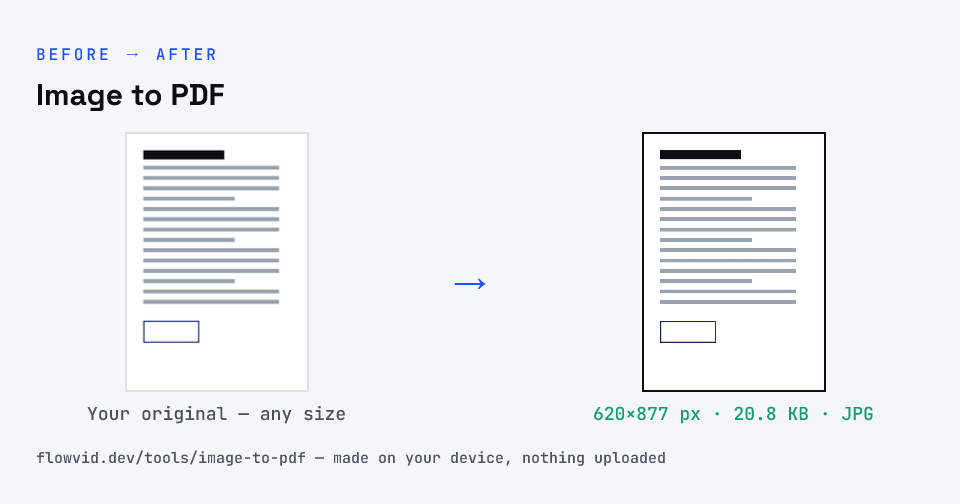
- Add one or more images (drag in several to combine them).
- Each image becomes a page, fitted neatly to A4.
- The tool builds a single PDF in your browser.
- Download your PDF.
What you can use it for
- Combine document photos into one PDF
- Submit scanned pages as a single file
- Turn assignment or receipt photos into a PDF
- Create a shareable PDF from images
Why use FlowVid Tools
- Private by design — your image is processed on your own device and is never uploaded to any server.
- Completely free and unlimited — no daily cap, no watermark, no sign-up.
- Fast — drop your image, get the result in seconds. No queues, no waiting.
Supported formats
This tool accepts JPG, PNG, WebP (multiple) as input and gives you a PDF as output. Everything happens on your device in seconds — your file is never uploaded, so there is nothing for anyone to keep.