PDF tool

Increase PDF Size in KB — Make a PDF Bigger Online, Free

Some application portals reject a PDF that is below a minimum size — “file must be between 100 KB and 300 KB”. This tool makes your PDF bigger to the size you pick without touching its pages: text, scans and images stay exactly as they are. It runs in your browser, so certificates and ID proofs are never uploaded.

To increase a PDF’s size in KB, upload it, pick the minimum the portal asks for (for example 100 KB) and download. The pages, text and images stay exactly the same; the file grows because unused data is added inside it, which PDF readers ignore, so it still opens normally everywhere.

100% private — your images never leave your device. No upload, no sign-up. Check it yourself: once this page loads, it works with your internet switched off.

PDF · raise to at leaston-device · not uploaded

Target size — tap to switch any time

Drop your PDF here

or click to browse

accepts: PDF

Unlimited and free · processed on this device · nothing is uploaded

Example

What the result looks like

Example document page converted to JPG, 620×877 px, 20.8 KB
Example document page converted to JPG, 620×877 px, 20.8 KB.
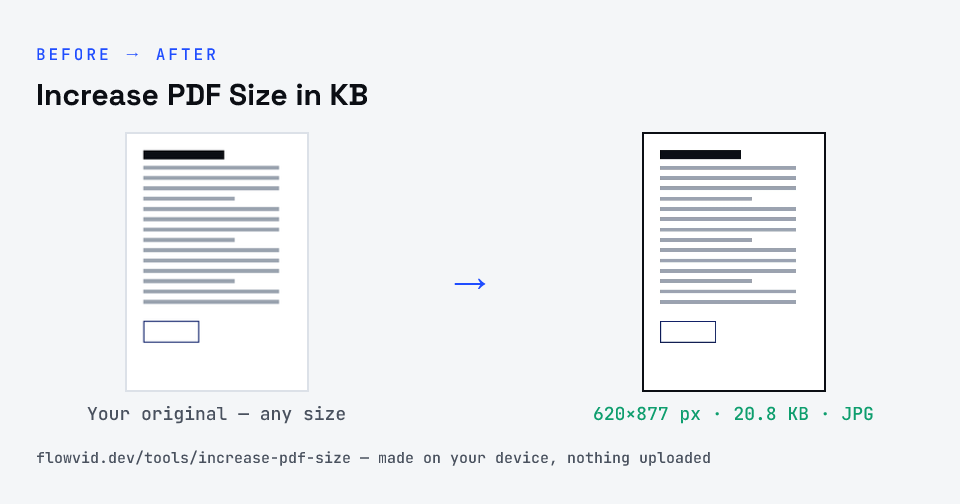
Before and after: an original document page and the same document page made to 100 KB (20.8 KB) with Increase PDF Size in KB
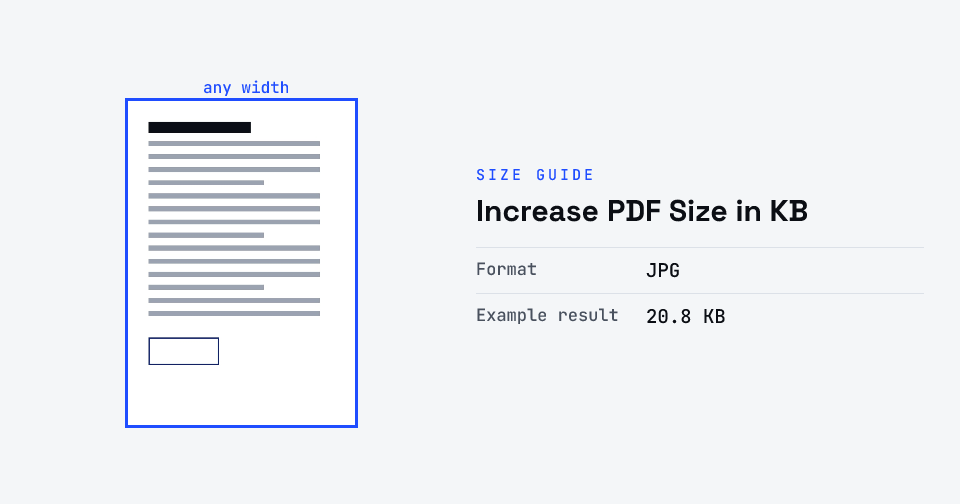
Increase PDF Size in KB size guide: target 100 KB, JPG

How to increase pdf size in kb

  1. Upload your PDF, or drag and drop it.
  2. Pick the size the portal asks for — the result is at least that big.
  3. The tool adds unused data inside the PDF; the pages are not changed.
  4. Download the bigger PDF and upload it to the portal.

What you can use it for

  • Certificates and mark sheets for portals with a minimum file size
  • Caste, income and domicile certificates for scholarship and exam forms
  • Scanned ID proofs that came out too small after compression
  • Any upload box that says “file size too small”

Why use FlowVid Tools

  • Pages untouched — text stays selectable, scans and signatures stay sharp.
  • Private by design — your PDF is processed on your own device and never uploaded.
  • Free and unlimited, no watermark, no sign-up.

Supported formats

This tool accepts PDF as input and gives you a PDF of at least the size you pick as output. Everything happens on your device in seconds — your file is never uploaded, so there is nothing for anyone to keep.

FAQ

Frequently asked questions

01

Why would a portal reject a PDF for being too small?

Some portals set a minimum as well as a maximum (for example 100–300 KB) to stop blank or unreadable scans. A clean, well-compressed PDF can fall under that minimum even though nothing is wrong with it — making the file bigger is all that is needed.
02

Does increasing the size change my PDF or its quality?

No. Every page, word and image stays exactly as it was. The tool adds a block of unused data inside the file, which PDF readers skip, so the document looks and prints the same — it is simply a bigger file.
03

Will the portal accept the bigger PDF?

Yes, it is a normal, valid PDF that opens in every reader. The tool makes it at least the size you pick (counting 1 KB as 1024 bytes, so it clears the minimum whichever way the portal counts). If the portal also has a maximum, pick a size below it.
04

My PDF is already bigger than the size I picked. What happens?

Nothing — you get the same file back. To make a PDF smaller instead, use Compress PDF to KB.
05

Can I increase the size of a photo or JPG instead?

Yes — use the Increase Image Size in KB tool for JPG photos and signatures. It raises the quality to reach the size, so it suits forms that want a minimum KB for images.
06

It says it can't read my PDF.

The PDF is probably password-protected. Open it, save or print it to a new PDF without a password, and try again.
07

Is my photo uploaded anywhere?

No. The tool runs inside your browser, so your photo is read and processed on your own phone or computer and never sent to our servers or anyone else's. We never receive it, so we can't see, keep or share it — which makes it safe for sensitive documents like Aadhaar, PAN, passports and bank statements.
08

Is this tool really free? Is there a daily limit?

Yes, it's free with no daily limit. Because the work happens on your device, an extra photo costs us nothing — so there's no cap, no watermark and no account needed. Process as many files as you like.
Related

More tools you might need

Edit & resize

Resize, crop, rotate & compress PDF

Jump to a size

Compress to a specific size