
How to youtube thumbnail resizer
- Upload your photo or signature.
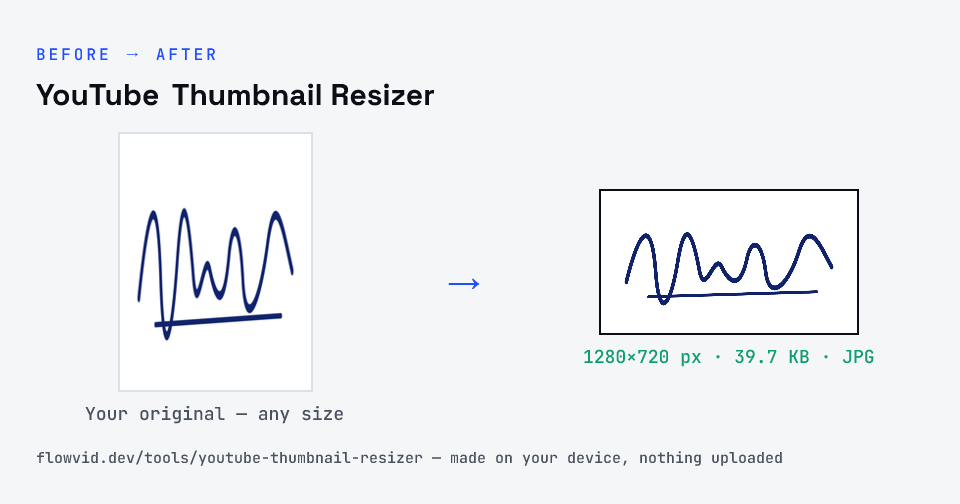
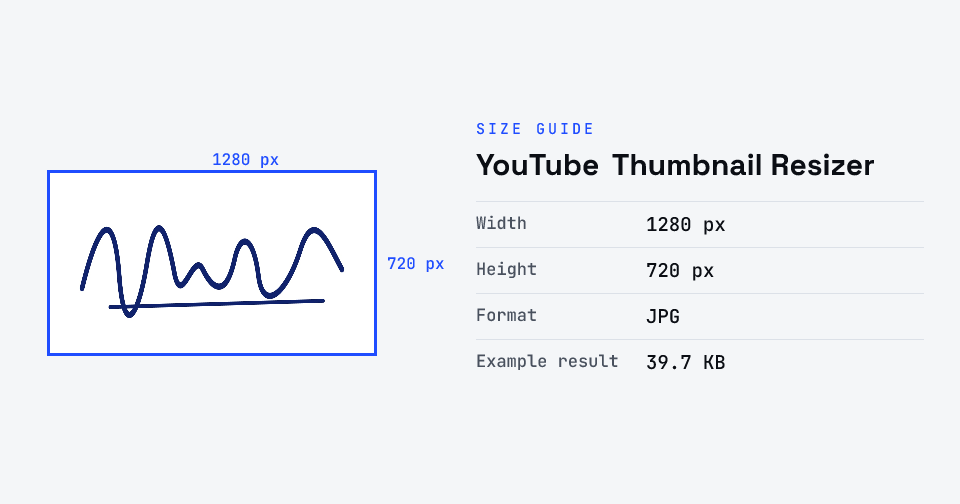
- The tool resizes it to 1280×720 px and compresses it to the required size.
- Preview the result and check the dimensions and file size.
- Download the ready-to-upload file.
What you can use it for
- YouTube video thumbnails (1280×720, 16:9)
- Resizing or converting an image for a thumbnail
- Compressing a thumbnail under YouTube's 2MB limit
- Course, webinar and video preview graphics
Why use FlowVid Tools
- Private by design — your image is processed on your own device and is never uploaded to any server.
- Completely free and unlimited — no daily cap, no watermark, no sign-up.
- Fast — drop your image, get the result in seconds. No queues, no waiting.
Supported formats
This tool accepts JPG, PNG, WebP, HEIC as input and gives you a 1280×720 px as output. Everything happens on your device in seconds — your file is never uploaded, so there is nothing for anyone to keep.