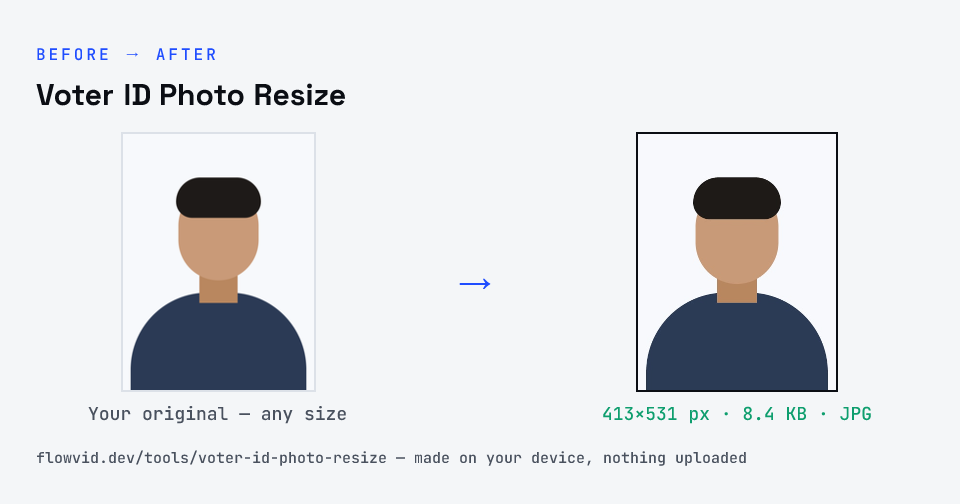
Resize your photo for a Voter ID (EPIC) application in seconds. This voter photo resizer fits your picture to a passport-style format and compresses it for the National Voters' Service Portal (Voter Helpline / Voters' Service Portal) and related forms — photo or scanned voter card document alike. Nothing is uploaded to us or stored.
For a Voter ID (Form 6 or Form 8), ECI asks for a recent passport-size colour photo of 4.5 × 3.5 cm, unsigned, on a white background, with eyes open and both edges of the face visible. This tool crops your photo to that shape and compresses it to the file size you pick, ready for the Voters' Service Portal or Voter Helpline app.
Partly verified · last checked 30 Oct 2026
ECI's guidelines give the photo size (4.5 × 3.5 cm) but not a file-size limit. The portal's upload field is reported to accept JPG up to 2 MB — we couldn't confirm it from an official page, so any size you pick here will be well inside it.
Notices change between cycles — if yours says something different, follow your notice.
How to voter id photo resize
- Upload your photo or signature.
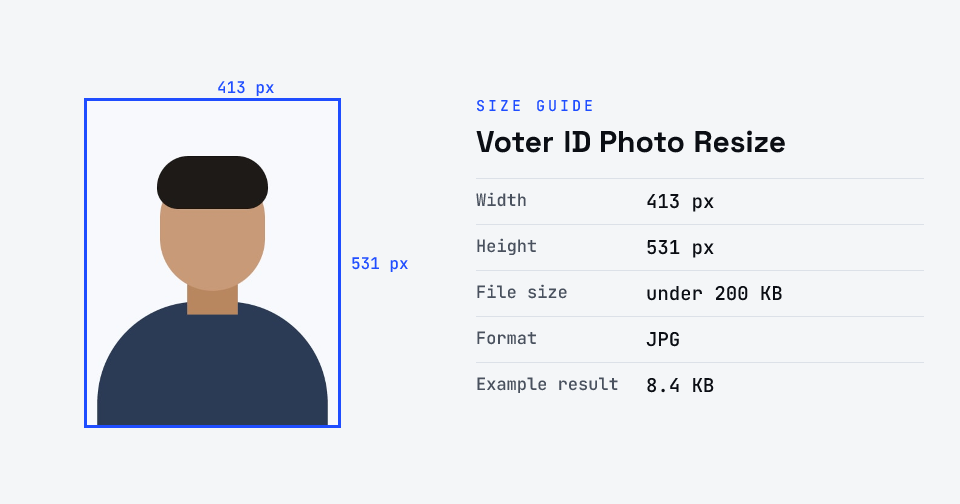
- The tool resizes it to 413×531 px and compresses it to the required size.
- Preview the result and check the dimensions and file size.
- Download the ready-to-upload file.
What you can use it for
- New voter registration (Form 6)
- Voter ID / voter card correction and update forms
- Voters' Service Portal (NVSP) uploads
- Resizing a voter document or scan for upload
Why use FlowVid Tools
- Private by design — your image is processed on your own device and is never uploaded to any server.
- Completely free and unlimited — no daily cap, no watermark, no sign-up.
- Fast — drop your image, get the result in seconds. No queues, no waiting.
Supported formats
This tool accepts JPG, PNG, WebP, HEIC as input and gives you a 413×531 px as output. Everything happens on your device in seconds — your file is never uploaded, so there is nothing for anyone to keep.