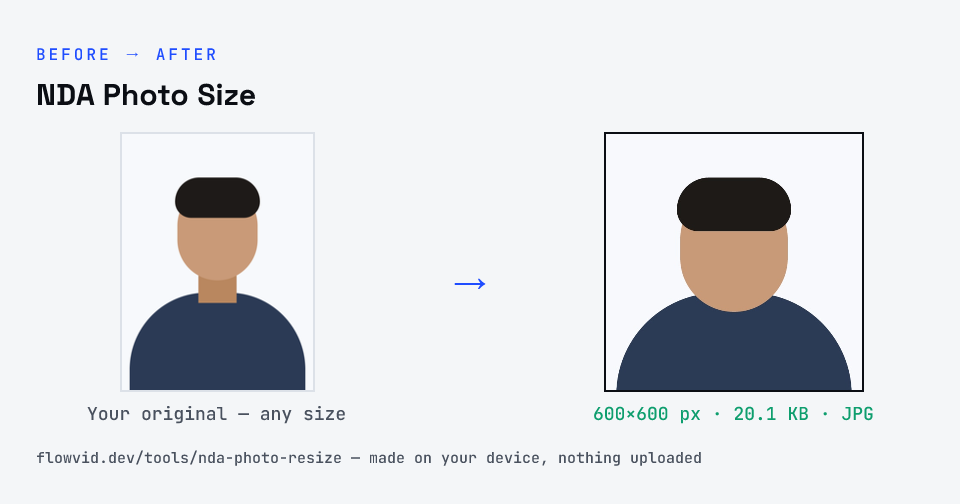
Get your photograph ready for the NDA & NA application in seconds. This tool crops your photo to a clean square, keeps it between 20KB and 200KB as UPSC's portal requires, and saves it as a JPG. It runs on your device — your photo is never uploaded.
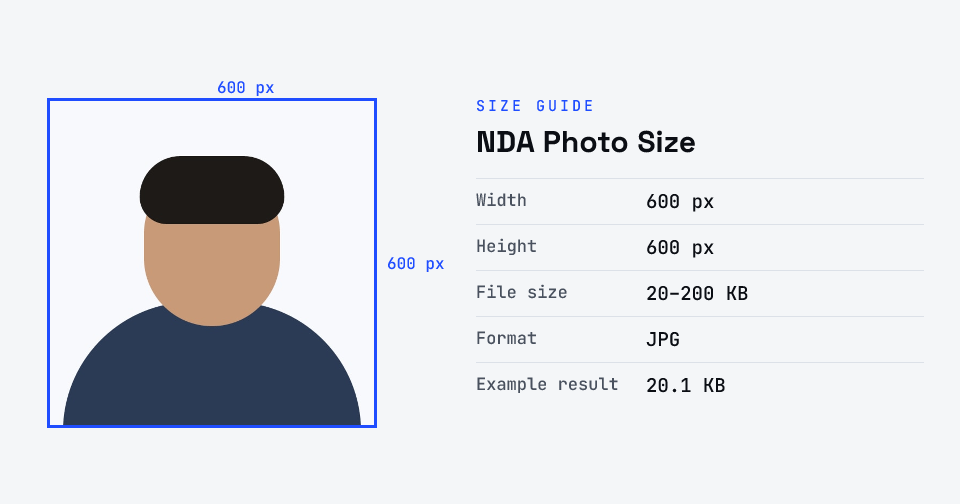
For NDA & NA on the UPSC portal, the photograph is a JPG of 20–200KB on a plain white background, with your face covering at least 75% of the photo, both ears visible and eyes open — and it must not be signed. UPSC also captures a live photo during the application and matches it against this one.
Partly verified · last checked 30 Oct 2026
UPSC's 2026 instructions give the file size (20–200KB, JPG) but no pixel size for the photo; older portal guidance said 350×350 to 1000×1000 px, so we output 600×600, which fits both. UPSC's ESE 2027 notice still says up to 300KB — staying under 200KB passes either. NDA uses the same UPSC application portal; the NDA (II) 2026 notice itself couldn't be opened when we checked, so confirm in your notice.
Notices change between cycles — if yours says something different, follow your notice.
How to nda photo size
- Upload your photo or signature.
- The tool resizes it to 600×600 px and compresses it to the required size.
- Preview the result and check the dimensions and file size.
- Download the ready-to-upload file.
What you can use it for
- UPSC NDA & NA application photo upload
- One Time Registration (OTR) photo and signature
- Re-uploading a photograph rejected for size
- Other UPSC-conducted exam forms
Why use FlowVid Tools
- Private by design — your image is processed on your own device and is never uploaded to any server.
- Completely free and unlimited — no daily cap, no watermark, no sign-up.
- Fast — drop your image, get the result in seconds. No queues, no waiting.
Supported formats
This tool accepts JPG, PNG, WebP, HEIC as input and gives you a 600×600 px as output. Everything happens on your device in seconds — your file is never uploaded, so there is nothing for anyone to keep.