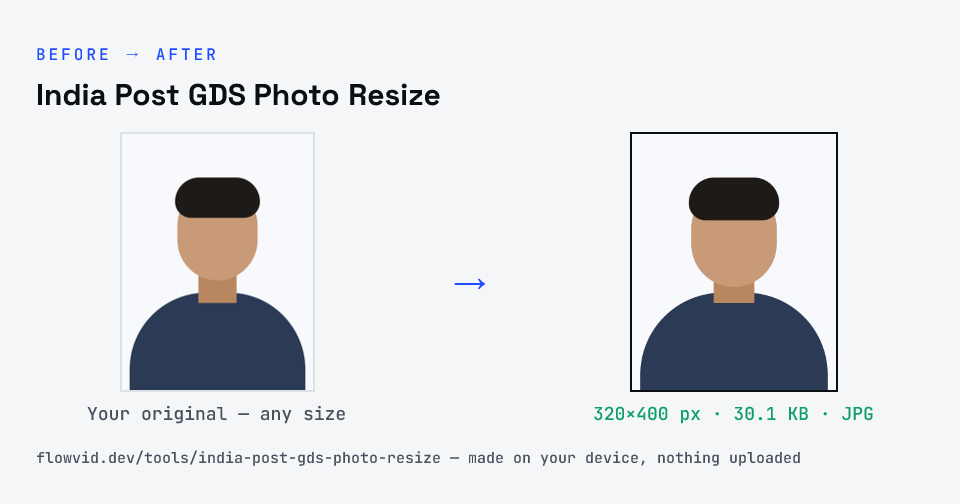
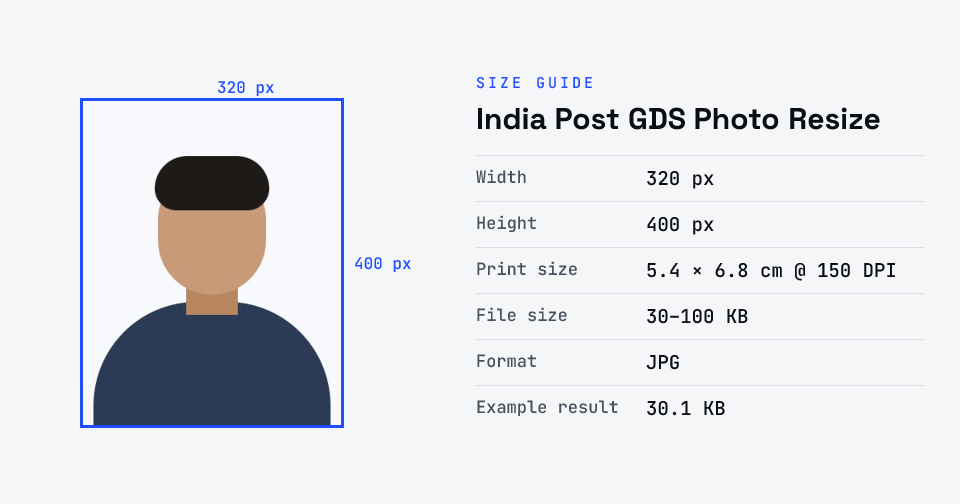
Resize your photo and signature for the India Post Gramin Dak Sevak (GDS) online engagement. Pick Photo or Signature above the upload box: the photo is cropped to 320 × 400 px and the signature to 300 × 120 px on white paper, both at 150 DPI and inside the KB limits. Nothing is uploaded.
For India Post GDS online engagement, upload a recent JPG photo of 30–100 KB (recommended 320 × 400 pixels, 4:5, plain white or light background, face 70–80% of the frame) and a JPG signature (recommended 300 × 120 pixels, black or blue pen on white paper). The notification allows 20–100 KB for the signature; the user manual says up to 50 KB.
Checked against the official notice · last checked 31 Oct 2026
Pixel sizes are “recommended” in the notification. The signature limit is 20–100 KB in the notification but 20–50 KB in the portal's user manual, so this tool keeps signatures within 20–50 KB, which fits both. Files are saved at 150 DPI (the notice allows 72–150).
Notices change between cycles — if yours says something different, follow your notice.
How to india post gds photo resize
- Upload your photo or signature.
- The tool resizes it to 320×400 px and compresses it to the required size.
- Preview the result and check the dimensions and file size.
- Download the ready-to-upload file.
What you can use it for
- India Post Gramin Dak Sevak (GDS) — BPM, ABPM and Dak Sevak
- GDS Schedule I and Schedule II online engagement
- Re-uploading a rejected GDS photo or signature
- Other forms that ask for a 4:5 photo
Why use FlowVid Tools
- Private by design — your image is processed on your own device and is never uploaded to any server.
- Completely free and unlimited — no daily cap, no watermark, no sign-up.
- Fast — drop your image, get the result in seconds. No queues, no waiting.
Supported formats
This tool accepts JPG, PNG, WebP, HEIC as input and gives you a 320×400 px as output. Everything happens on your device in seconds — your file is never uploaded, so there is nothing for anyone to keep.