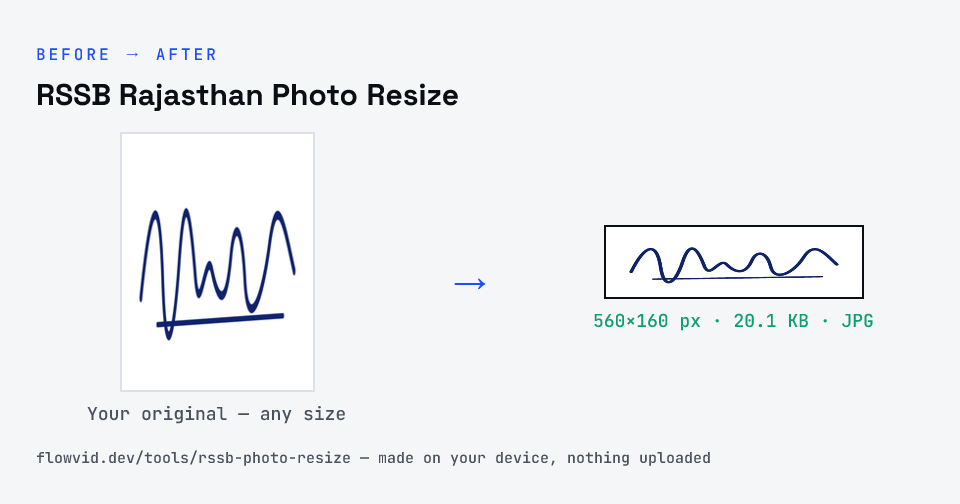
Prepare your signature and left thumb impression for an RSSB Rajasthan application. Pick Signature or Left thumb above the upload box: the tool crops to the ink, turns the paper white and saves a 560 × 160 px JPEG between 20 and 50 KB. It runs in your browser — nothing is uploaded.
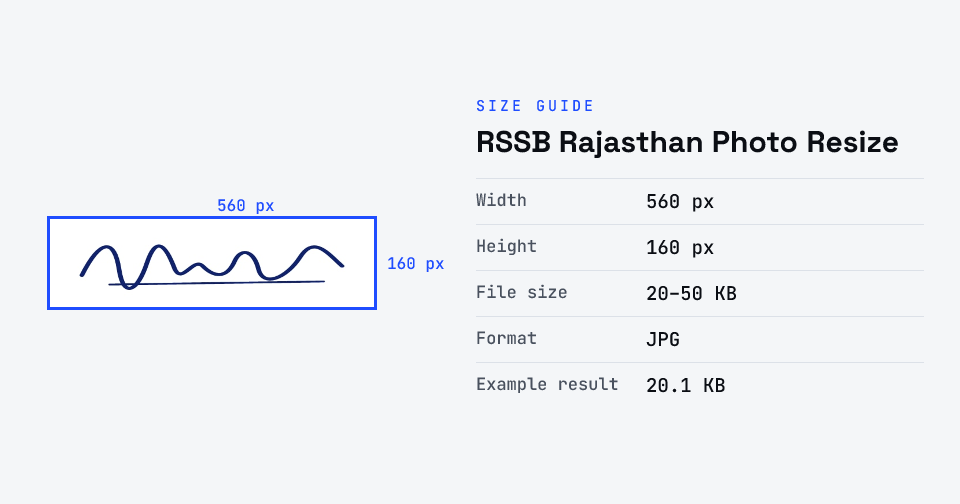
For RSSB (formerly RSMSSB) recruitments, the photo is a live photo captured in the One Time Registration. The signature (in Hindi and English) and the left thumb impression are each made inside a 7 cm × 2 cm box and uploaded as JPEG between 280 × 80 and 560 × 160 pixels, 20–50 KB.
Checked against the official notice · last checked 31 Oct 2026
Numbers from RSSB Advt. 04/2026 (repeated word for word in Advt. 05/2026); rssb.rajasthan.gov.in was unreachable when we checked, so the link is a copy of the same PDF. RSSB asks for a scanned signature and thumb, not a mobile photo.
Notices change between cycles — if yours says something different, follow your notice.
How to rssb rajasthan photo resize
- Upload your photo or signature.
- The tool resizes it to 560×160 px and compresses it to the required size.
- Preview the result and check the dimensions and file size.
- Download the ready-to-upload file.
What you can use it for
- RSSB (RSMSSB) Clerk, Junior Assistant, Patwari and other recruitments
- Rajasthan SSO One Time Registration documents
- Left thumb impression uploads
- Re-uploading a rejected signature
Why use FlowVid Tools
- Private by design — your image is processed on your own device and is never uploaded to any server.
- Completely free and unlimited — no daily cap, no watermark, no sign-up.
- Fast — drop your image, get the result in seconds. No queues, no waiting.
Supported formats
This tool accepts JPG, PNG, WebP, HEIC as input and gives you a 560×160 px as output. Everything happens on your device in seconds — your file is never uploaded, so there is nothing for anyone to keep.