

How to add name and date on photo
- Upload your photo or signature.
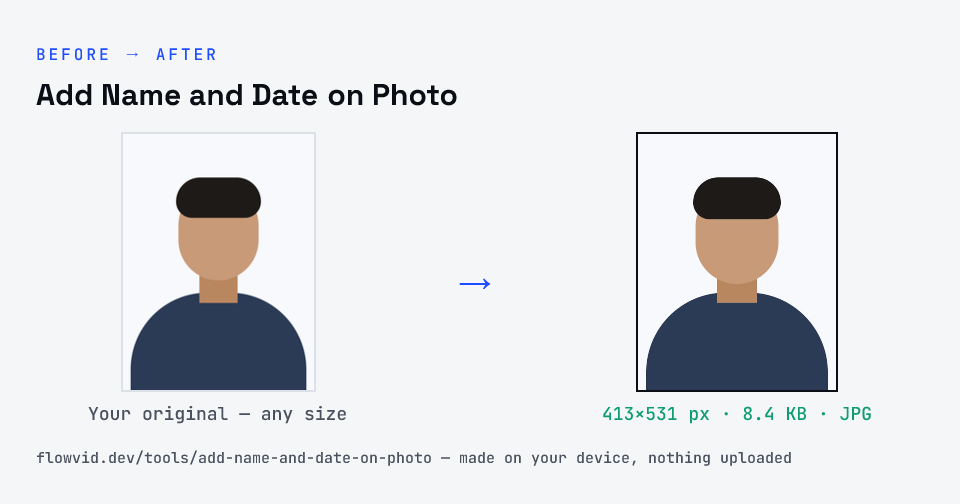
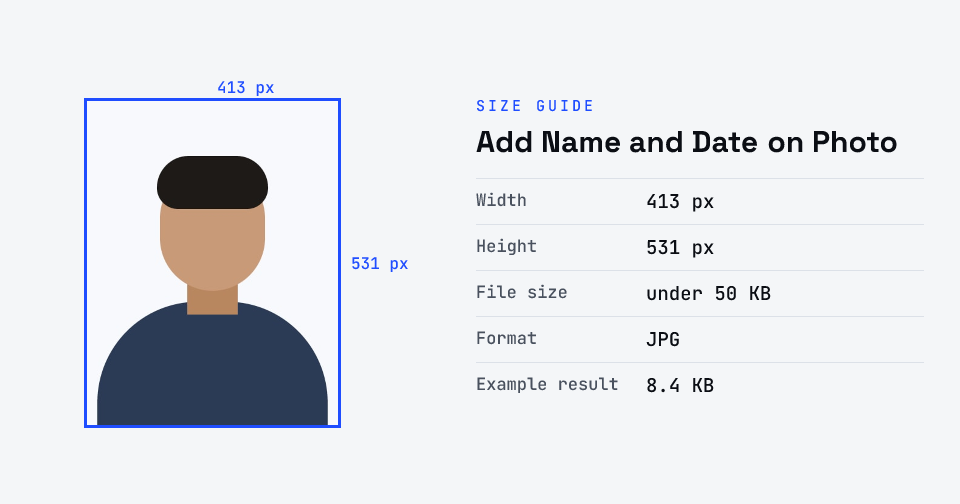
- The tool resizes it to 413×531 px and compresses it to the required size.
- Preview the result and check the dimensions and file size.
- Download the ready-to-upload file.
What you can use it for
- State PSC and recruitment forms that ask for name and date on the photo
- Re-uploading a photo rejected for a missing name or date
- Making a dated photo for an application window
- Printing a labelled passport photo for offline forms
Why use FlowVid Tools
- Private by design — your image is processed on your own device and is never uploaded to any server.
- Completely free and unlimited — no daily cap, no watermark, no sign-up.
- Fast — drop your image, get the result in seconds. No queues, no waiting.
Supported formats
This tool accepts JPG, PNG, WebP, HEIC as input and gives you a 413×531 px as output. Everything happens on your device in seconds — your file is never uploaded, so there is nothing for anyone to keep.
Which forms ask for a name and date on the photo
This is a requirement set by individual recruiting bodies, not a universal rule. Several state public service commissions and recruitment boards ask for the candidate’s name and the date the photograph was taken to be printed along the bottom of the photo, so it can be matched to the application and dated to the current cycle. If your notification asks for it, prepare the photo here; if it does not, upload a plain passport photo instead.
Read the exact wording in your notice. Some forms want only the name, some want the name and the date, and some also require the photo to have been taken on or after the notification date — in which case use a fresh photo, because no amount of editing makes an old photo recent.
If your labelled photo is rejected
Check the file against the notice one item at a time: the size in KB, the dimensions, and whether both the name and the date are present and readable. Upload the exact JPG you downloaded here, not a screenshot or a preview window. If the portal still rejects it, confirm whether it wanted a plain photo in the photo field and the labelled one elsewhere — a few forms keep them separate.
For a tighter file-size limit, compress the finished photo with our [compress image to 20KB](/tools/compress-image-to-20kb) tool, and if the form also needs your signature in the same image, use the [photo and signature joiner](/tools/photo-signature-joiner).