

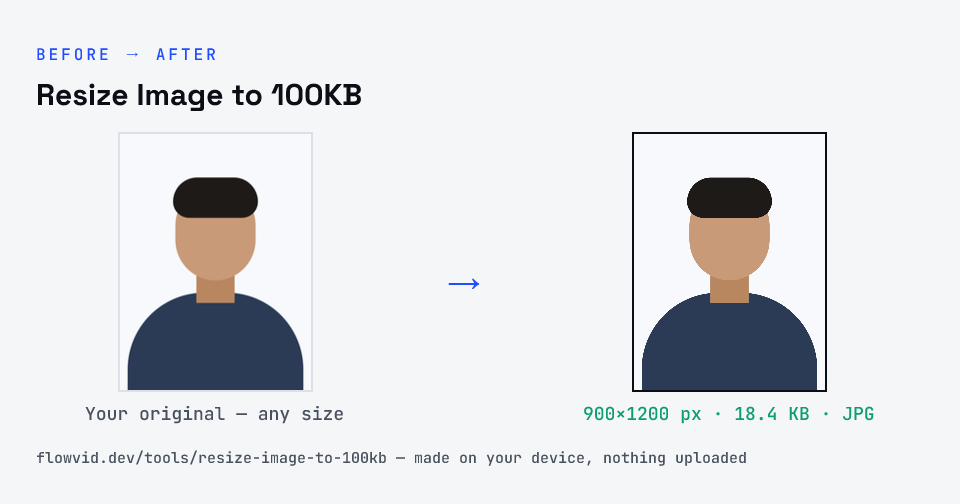
How to resize image to 100kb
- Drop your image in, or click to browse and select it.
- The tool automatically finds the highest quality that still fits under 100KB.
- Check the live preview and the final file size.
- Download your optimised image — ready to upload.
What you can use it for
- Admission and scholarship portals with a 100KB image cap
- KYC uploads of a photo or a picture of an ID card
- Job portals that want a profile photo under 100KB
- Photos of a certificate or receipt that must go up as a JPG
Why use FlowVid Tools
- Private by design — your image is processed on your own device and is never uploaded to any server.
- Completely free and unlimited — no daily cap, no watermark, no sign-up.
- Fast — drop your image, get the result in seconds. No queues, no waiting.
Supported formats
This tool accepts JPG, PNG, WebP, HEIC as input and gives you a 100KB image as output. Everything happens on your device in seconds — your file is never uploaded, so there is nothing for anyone to keep.
A portrait and a document behave differently at 100KB
A portrait at 100KB looks essentially identical to the original on screen, so you can afford a larger, sharper crop. A photo of a document is a different case: what matters is the text, and legibility depends on resolution more than on JPEG quality. Keep enough pixels for the smallest print to stay readable and let the plain paper compress to almost nothing.
If the result looks soft, the original was probably dark or slightly shaken; JPEG can't sharpen what the camera missed. Retake it with the phone steady and parallel to the page, then resize again.