

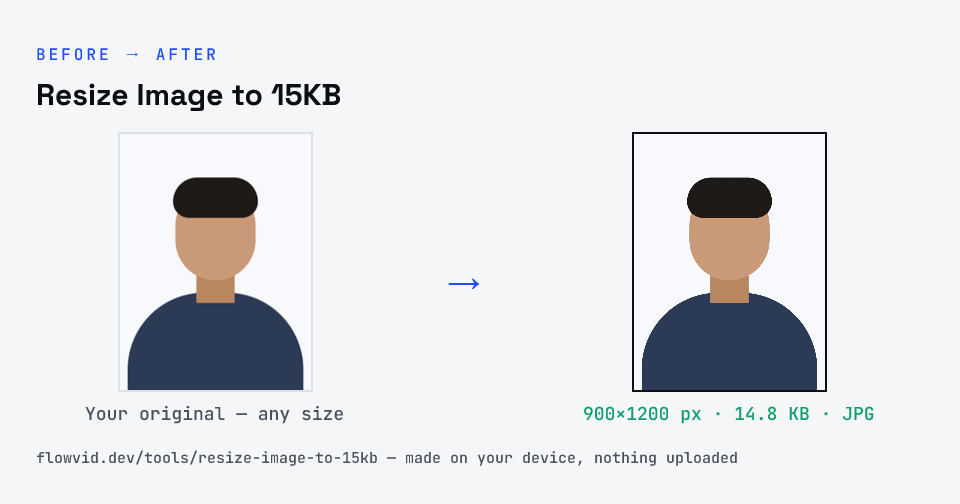
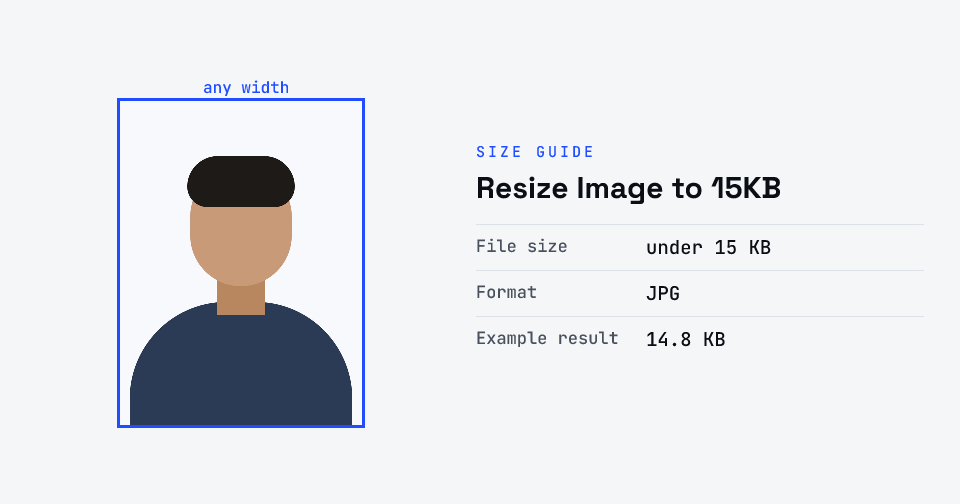
How to resize image to 15kb
- Drop your image in, or click to browse and select it.
- The tool automatically finds the highest quality that still fits under 15KB.
- Check the live preview and the final file size.
- Download your optimised image — ready to upload.
What you can use it for
- Signature uploads capped at 15KB
- Thumbnail-sized photo fields on registration forms
- Initials or stamp images for e-forms
- A phone photo of a signature on white paper that's far too heavy
Why use FlowVid Tools
- Private by design — your image is processed on your own device and is never uploaded to any server.
- Completely free and unlimited — no daily cap, no watermark, no sign-up.
- Fast — drop your image, get the result in seconds. No queues, no waiting.
Supported formats
This tool accepts JPG, PNG, WebP, HEIC as input and gives you a 15KB image as output. Everything happens on your device in seconds — your file is never uploaded, so there is nothing for anyone to keep.
What fits inside 15 kilobytes
Fifteen kilobytes is 15,000 bytes — roughly the size of a few paragraphs of plain text. That is plenty for a simple, high-contrast image like a signature, and tight for a colour photo full of skin tones, hair and background. The more fine texture an image holds, the more of the budget JPEG spends describing it.
A practical rule: if the image is mostly white space and dark lines, 15KB is generous; if it is a photograph, keep it small in pixels — a couple of hundred on the long side — so the compressor isn't forced to blur it. The result card shows the exact size before you download.