
How to compress pdf to 50kb
- Drop your PDF in, or click to browse and select it.
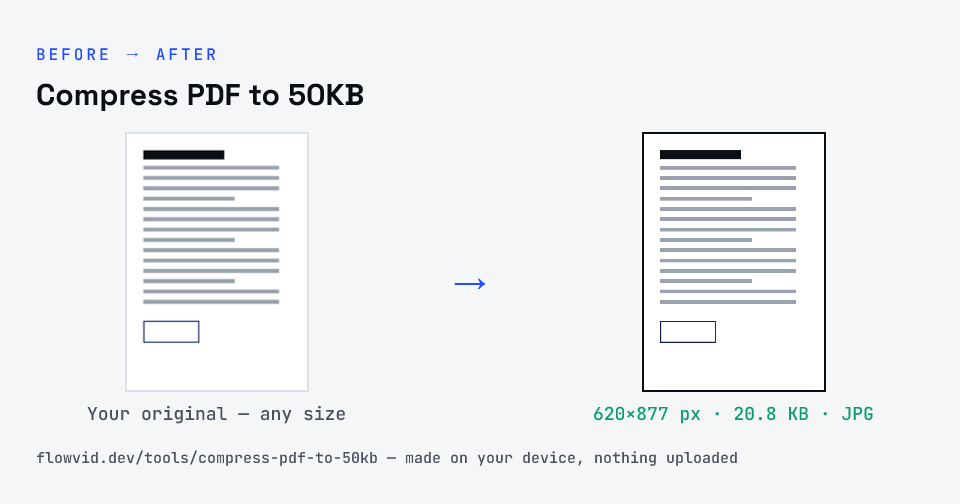
- The tool tries a lossless rewrite first, then re-renders the pages if needed to get under 50KB.
- Check the final file size on the result card.
- Download your under-50KB PDF — ready to upload.
What you can use it for
- Upload a one-page declaration or undertaking under 50KB
- Shrink a signed form for a strict portal
- Reduce a single certificate scan to 50KB
- Meet a tight document cap on an exam application
Why use FlowVid Tools
- Private by design — your PDF is processed on your own device and is never uploaded.
- Exact size — the finished file is measured, not estimated, before you download it.
- Free and unlimited — no daily cap, no watermark, no sign-up.
Supported formats
This tool accepts PDF as input and gives you a PDF under 50KB as output. Everything happens on your device in seconds — your file is never uploaded, so there is nothing for anyone to keep.
Where a 50KB PDF limit shows up
A 50KB cap is the tightest PDF limit in common use. It appears on government and exam portals for declarations, signature pages and single-page supporting documents.
Plan for one page at this size. Text-only pages compress very well; a detailed colour scan will come out noticeably softer.
Getting a scan under 50KB and keeping it readable
Size limits are shared across every page, so the single biggest lever is page count: upload only the pages the form asks for. A one-page certificate at a given limit comes out far sharper than the same limit spread over six pages.
Scan in colour only if the document needs it, keep the page flat and evenly lit, and crop away the desk around it. Less noise and less empty background leave more of the byte budget for the text itself.