

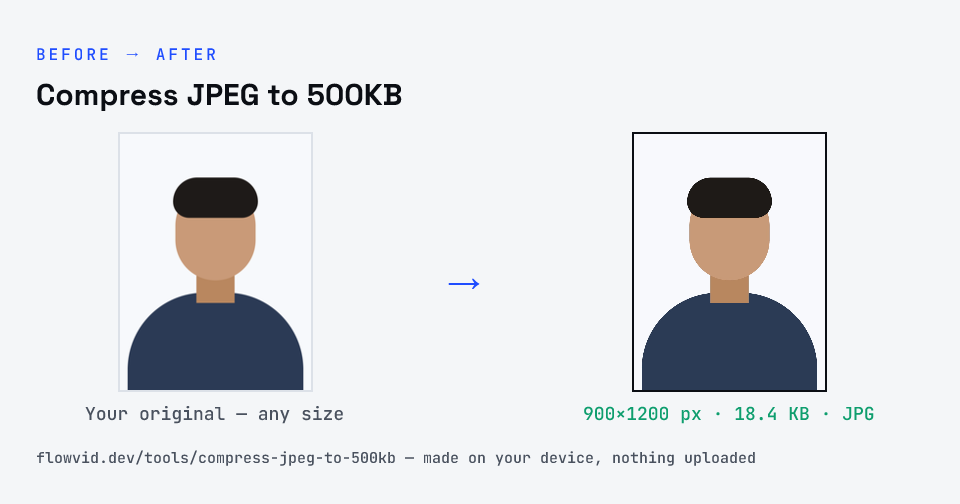
How to compress jpeg to 500kb
- Drop your image in, or click to browse and select it.
- The tool automatically finds the highest quality that still fits under 500KB.
- Check the live preview and the final file size.
- Download your optimised image — ready to upload.
What you can use it for
- Emailing full-size photos without huge attachments
- Property, rental and marketplace listing photos
- Portals and forms with a 500KB or 0.5MB image cap
- Saving storage on photos you want to keep large
Why use FlowVid Tools
- Private by design — your image is processed on your own device and is never uploaded to any server.
- Completely free and unlimited — no daily cap, no watermark, no sign-up.
- Fast — drop your image, get the result in seconds. No queues, no waiting.
Supported formats
This tool accepts JPG, PNG, WebP, HEIC as input and gives you a 500KB image as output. Everything happens on your device in seconds — your file is never uploaded, so there is nothing for anyone to keep.
Big photo, small file
A phone JPEG is large mainly because it's saved at a very high quality setting, not because it needs to be. Re-encoding at a sensible quality removes data the eye won't miss, and at 500KB there is usually no need to touch the resolution at all — the photo stays big enough to crop, zoom or view full-screen.
If you're preparing a photo for a form with a smaller cap, step down the ladder instead of compressing the 500KB version again: start each size from the original.
For photos you plan to keep, it's worth holding on to the camera originals as well. A 500KB copy is ideal for sending and everyday viewing, but the original is the one to go back to for prints, edits or a future upload with different rules.