

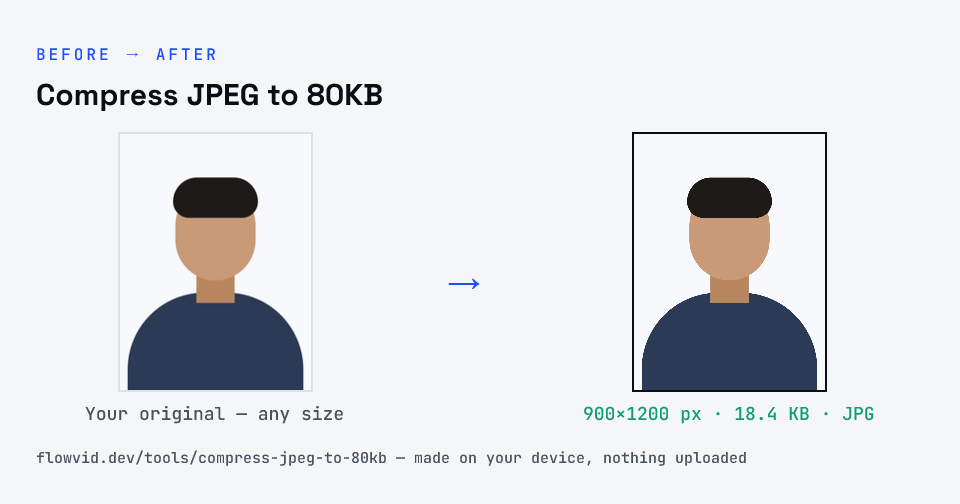
How to compress jpeg to 80kb
- Drop your image in, or click to browse and select it.
- The tool automatically finds the highest quality that still fits under 80KB.
- Check the live preview and the final file size.
- Download your optimised image — ready to upload.
What you can use it for
- Portals with an 80KB image limit
- Product or catalogue JPGs that need a fixed size
- Profile photos that should stay crisp
- A JPG well under a 100KB cap with room to spare
Why use FlowVid Tools
- Private by design — your image is processed on your own device and is never uploaded to any server.
- Completely free and unlimited — no daily cap, no watermark, no sign-up.
- Fast — drop your image, get the result in seconds. No queues, no waiting.
Supported formats
This tool accepts JPG, PNG, WebP, HEIC as input and gives you a 80KB image as output. Everything happens on your device in seconds — your file is never uploaded, so there is nothing for anyone to keep.
Two meanings of "80" in JPEG compression
Most photo editors express JPEG compression as a quality percentage, and 80 is a popular default because it's visually lossless for most photos. Upload portals, on the other hand, think only in kilobytes. Saving at quality 80 doesn't guarantee any particular size.
This page always works in kilobytes. Whatever quality the image needs to fit under 80KB — sometimes 90, sometimes 60 — is what it uses, and the result card shows the final size so you can confirm it before uploading.