
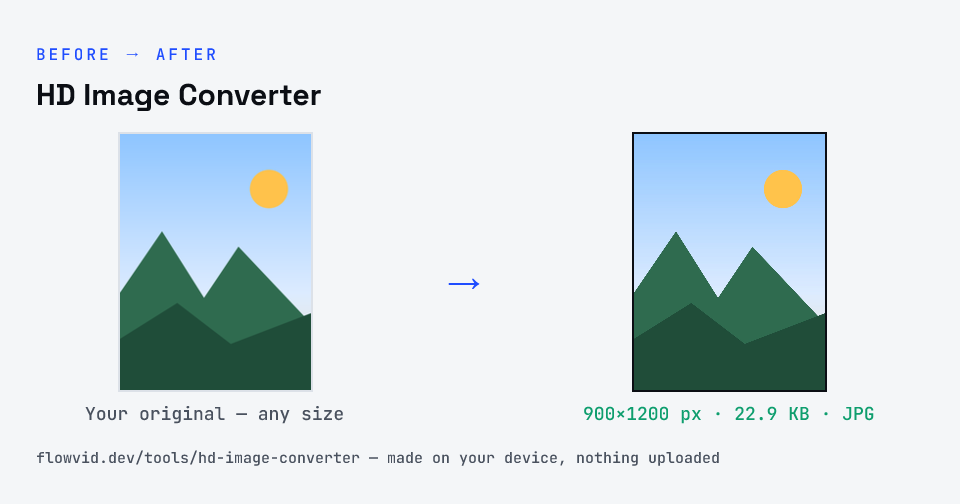
How to hd image converter
- Drop in your image, or click to browse.
- Look at the 2×, 3× and 4× buttons — each shows the pixel size it will produce.
- Pick the one that reaches HD (1280×720) or Full HD (1920×1080) and click Upscale image.
- Download the enlarged JPG.
What you can use it for
- Bring a small image up to 1280×720 or 1920×1080
- Enlarge an old or low-resolution photo for a slideshow or TV screen
- Meet a minimum-resolution rule on an upload or listing
- Scale up a graphic or screenshot for a presentation
Why use FlowVid Tools
- Private by design — your image is processed on your own device and is never uploaded to any server.
- Completely free and unlimited — no daily cap, no watermark, no sign-up.
- Fast — drop your image, get the result in seconds. No queues, no waiting.
Supported formats
This tool accepts JPG, PNG, WebP, HEIC as input and gives you a HD image as output. Everything happens on your device in seconds — your file is never uploaded, so there is nothing for anyone to keep.
What "converting to HD" actually does
An image is HD when it has enough pixels: at least 1280 across and 720 down for HD, or 1920 by 1080 for Full HD. A smaller image can be brought up to that size by creating new pixels between the existing ones. This tool does it with smooth, high-quality resampling built into your browser, which blends neighbouring pixels instead of blowing each one up into a hard square.
That's the honest limit of any non-AI upscaler: it improves how the image is scaled, not how much information it holds. A crisp 960×540 image doubled to Full HD looks good; a blurry 320×180 thumbnail enlarged six times will be Full HD in size but still soft.
Getting the best HD result
Start from the largest, least-compressed copy you have — not a screenshot, and not a version forwarded through a chat app, which adds blocky artefacts that enlarge along with everything else. Then use the smallest factor that reaches your target: a 2× enlargement always looks better than 4×.
If the enlarged image is far bigger than you need, you can bring it back to an exact size with the pixel resizer, or down to a file-size limit with one of the KB compressors.