
Convert tool

JFIF to JPG Converter — Open and Save .jfif as .jpg

Saved an image from the web and got a .jfif file that your phone, editor or exam portal won't open? JFIF is simply a JPEG with an unusual extension — Windows and some browsers use it for downloaded pictures. This tool gives you the same image as a normal .jpg, untouched, in seconds. Nothing is uploaded.

To convert JFIF to JPG, upload the .jfif file and download it as .jpg. JFIF is the standard container inside ordinary JPEG images, so the picture is copied without re-compression — no quality loss — and the .jpg extension makes it open everywhere and pass upload forms.

100% private — your images never leave your device. No upload, no sign-up. Check it yourself: once this page loads, it works with your internet switched off.

convert → JPGon-device · not uploaded

Drop your image here

or click to browse

accepts: JFIF, JPE, JPEG, PNG, WebP

Unlimited and free · processed on this device · nothing is uploaded

Example

What the result looks like

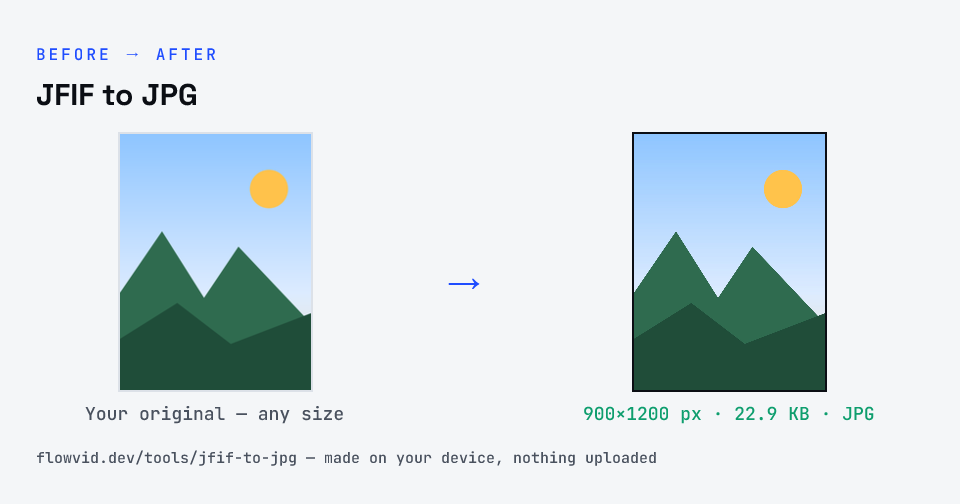
Example image converted to JPG, 900×1200 px, 22.9 KB
Example image converted to JPG, 900×1200 px, 22.9 KB.
Before and after: an original image and the same image made to JPG (22.9 KB) with JFIF to JPG
JFIF to JPG size guide: target JPG, JPG

How to jfif to jpg

  1. Upload your image, or drag and drop it.
  2. The tool re-encodes it as a JPG in seconds.
  3. Preview the converted image.
  4. Download your new JPG file.

What you can use it for

  • Images saved from Chrome or Edge on Windows that came out as .jfif
  • Upload forms that reject the .jfif extension
  • Photo editors and phones that don't list .jfif files
  • Converting a batch of .jfif downloads in one go

Why use FlowVid Tools

  • Private by design — your image is processed on your own device and is never uploaded to any server.
  • Completely free and unlimited — no daily cap, no watermark, no sign-up.
  • Fast — drop your image, get the result in seconds. No queues, no waiting.

Supported formats

This tool accepts JFIF, JPE, JPEG, PNG, WebP as input and gives you a JPG as output. Everything happens on your device in seconds — your file is never uploaded, so there is nothing for anyone to keep.

JPG, JPEG and JFIF are the same format

JPEG is the image format; .jpg, .jpeg, .jpe and .jfif are just file extensions for it. The three-letter .jpg comes from old Windows and DOS systems, which only allowed three characters after the dot. .jfif is the name of the JPEG File Interchange Format — the standard wrapper inside almost every JPEG — and some Windows versions and browsers save downloads with it.

Because the picture data is identical, changing between them does not need re-compression. This tool checks the file's first bytes: if it really is a JPEG, it hands back exactly the same bytes under the new extension, so the quality and the file size don't change at all. Only a file that isn't a JPEG underneath (a PNG renamed by mistake, for instance) is actually converted.

Why an upload form rejects one extension and accepts the other

Many government and exam portals check the extension before they look at the file. A form that lists "JPG/JPEG" sometimes only matches the exact text ".jpg", and older systems often don't recognise ".jfif" at all, even though the picture inside is a perfectly normal JPEG. Saving the same image under the expected extension is the fix.

Some portals also check the file's first bytes. That is why a PNG that was simply renamed to .jpg still gets rejected — and why this tool converts non-JPEG files properly rather than only renaming them.

About the JPG format

JPG (also written JPEG) is the most widely supported photo format on the web. It uses lossy compression to keep files small, which suits photographs, but it cannot store transparency — transparent areas are placed on a solid background — and re-saving the same JPG repeatedly gradually softens fine detail.

The conversion happens entirely in your browser. Your image is decoded with the same engine your browser uses to display images, then the pixels are re-encoded as JPG — so the file never leaves your device, nothing is uploaded, and even large images finish in a second or two.

Converting to JPG re-compresses the picture, trading a little fine detail for a much smaller file. At normal quality that difference is invisible on screen and in uploads, which is why JPG is the common choice for sharing and web pages.

FAQ

Frequently asked questions

01

What is a JFIF file?

JFIF stands for JPEG File Interchange Format. It is the standard way JPEG images are stored, so nearly every .jpg contains JFIF inside. When a file is saved with the .jfif extension, it is still an ordinary JPEG — only the name is unusual.
02

Why do my downloads save as .jfif?

On Windows, a registry setting can map the JPEG file type to the .jfif extension, so browsers such as Chrome and Edge save downloaded JPEG images as .jfif. Converting to .jpg here (or fixing that setting) solves it.
03

Does converting JFIF to JPG lose quality?

No. Because a .jfif file is already a JPEG, the tool copies the image data exactly and only changes the extension. The result is pixel-for-pixel and byte-for-byte the same picture.
04

Can I upload the converted file to a government form?

Yes — the .jpg you download is a standard JPEG, which is what portals mean by "JPG/JPEG". If the form also has a size limit, run it through the matching compress-to-KB tool next.
05

Is my photo uploaded anywhere?

No. The tool runs inside your browser, so your photo is read and processed on your own phone or computer and never sent to our servers or anyone else's. We never receive it, so we can't see, keep or share it — which makes it safe for sensitive documents like Aadhaar, PAN, passports and bank statements.
06

Is this tool really free? Is there a daily limit?

Yes, it's free with no daily limit. Because the work happens on your device, an extra photo costs us nothing — so there's no cap, no watermark and no account needed. Process as many files as you like.
Related

More tools you might need

Read next

Guides for this tool

Edit & resize

Resize, crop, rotate & compress PDF

Jump to a size

Compress to a specific size