

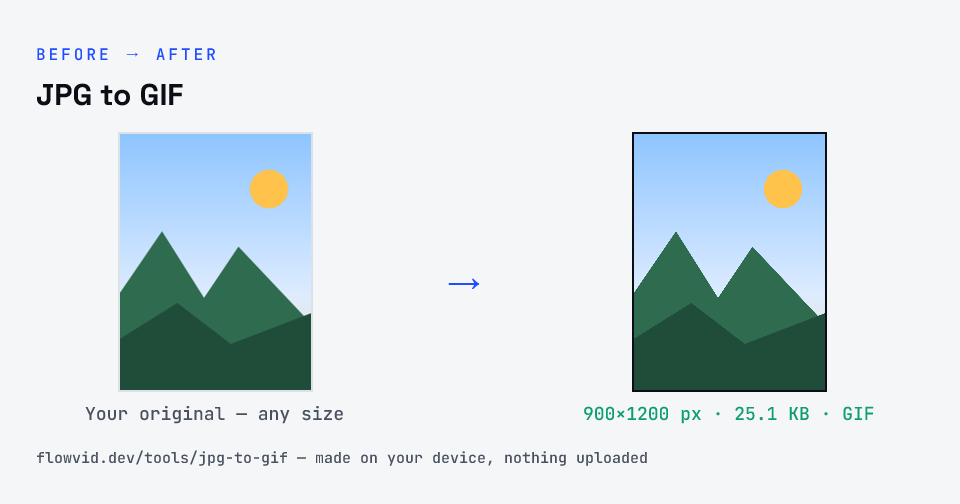
How to jpg to gif
- Upload your image, or drag and drop it.
- The tool re-encodes it as a GIF in seconds.
- Preview the converted image.
- Download your new GIF file.
What you can use it for
- Forums, legacy CMSs and apps that only accept GIF
- Email signatures and simple web graphics
- Turning a logo or icon into a small GIF
- Preparing a still frame for a GIF editor
Why use FlowVid Tools
- Private by design — your image is processed on your own device and is never uploaded to any server.
- Completely free and unlimited — no daily cap, no watermark, no sign-up.
- Fast — drop your image, get the result in seconds. No queues, no waiting.
Supported formats
This tool accepts JPG, PNG, WebP, HEIC as input and gives you a GIF as output. Everything happens on your device in seconds — your file is never uploaded, so there is nothing for anyone to keep.
JPG to GIF: what changes
GIF is limited to a 256-colour palette and is best known for short animations. That small palette makes photographs look banded and the files large, so GIF is worth keeping only for simple, flat-colour motion.
The conversion happens entirely in your browser. Your JPG is decoded with the same engine your browser uses to display images, then the pixels are re-encoded as GIF — so the file never leaves your device, nothing is uploaded, and even large images finish in a second or two.
GIF cannot reproduce the smooth gradients of a photograph, so expect flat, posterised colour — keep GIF for simple graphics and short animations.