
Convert tool

JPG to SVG Converter — Trace an Image into a Vector SVG

Need a logo or drawing as an SVG for a cutting machine, a website or a print shop? This converter traces your JPG or PNG into scalable vector paths, so the result stays sharp at any size. Set how many colours to keep and how smooth the shapes should be, and preview the SVG before downloading. Everything runs on your device.

To convert a JPG to SVG, upload the image and the tool traces it into vector paths — real shapes, not a picture wrapped in an SVG — using the number of colours you choose. Logos, icons, signatures and line art trace cleanly; detailed photos turn into a posterised, illustrated look.

100% private — your images never leave your device. No upload, no sign-up. Check it yourself: once this page loads, it works with your internet switched off.

Drop a JPG or PNG to trace

or click to browse

Example

What the result looks like

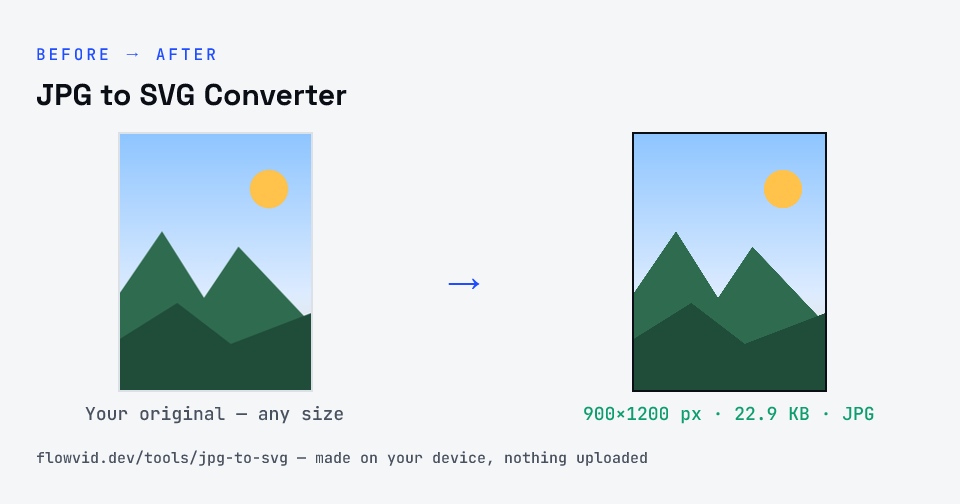
Example image converted to JPG, 900×1200 px, 22.9 KB
Example image converted to JPG, 900×1200 px, 22.9 KB.
Before and after: an original image and the same image made to JPG (22.9 KB) with JPG to SVG Converter
JPG to SVG Converter size guide: target JPG, JPG

How to jpg to svg converter

  1. Upload a JPG or PNG — high contrast and flat colours trace best.
  2. Choose how many colours to keep and how smooth the paths are.
  3. Preview the traced SVG and adjust.
  4. Download the SVG file.

What you can use it for

  • Turning a logo JPG into a scalable SVG
  • Preparing artwork for Cricut or vinyl-cutting software
  • Vectorising a signature or a simple drawing
  • Making icons that stay sharp on any screen

Why use FlowVid Tools

  • Private by design — your image is processed on your own device and is never uploaded to any server.
  • Completely free and unlimited — no daily cap, no watermark, no sign-up.
  • Fast — drop your image, get the result in seconds. No queues, no waiting.

Supported formats

This tool accepts JPG, PNG, WebP as input and gives you a vector SVG as output. Everything happens on your device in seconds — your file is never uploaded, so there is nothing for anyone to keep.

FAQ

Frequently asked questions

01

Is the SVG a real vector, or just my JPG inside an SVG?

A real vector. The image is traced into filled paths, one layer per colour, so you can scale, recolour and edit it in Illustrator, Inkscape, Figma or Cricut Design Space. Many converters just embed the JPG; this one doesn't.
02

Why does my photo look like a poster?

Tracing reduces the image to a set number of flat colours. That suits logos and line art; a detailed photo becomes stylised. Raise the colour count for more detail, at the cost of a larger file.
03

What gives the cleanest result?

A large, sharp image with clear edges and few colours — a logo on a plain background is ideal. Remove the background first if you only want the subject, and lower the colour count until stray specks disappear.
04

Is my photo uploaded anywhere?

No. The tool runs inside your browser, so your photo is read and processed on your own phone or computer and never sent to our servers or anyone else's. We never receive it, so we can't see, keep or share it — which makes it safe for sensitive documents like Aadhaar, PAN, passports and bank statements.
05

Is this tool really free? Is there a daily limit?

Yes, it's free with no daily limit. Because the work happens on your device, an extra photo costs us nothing — so there's no cap, no watermark and no account needed. Process as many files as you like.
Related

More tools you might need

Edit & resize

Resize, crop, rotate & compress PDF

Jump to a size

Compress to a specific size