
Resize tool

Resize Image to 512×512 Pixels — Free

Resize any image to a crisp 512×512 pixel square in seconds. 512×512 is a standard size for app icons, avatars and texture assets. The tool centre-crops your picture to exactly 512×512 with no distortion. Nothing is stored.

100% private — your images never leave your device. No upload, no sign-up. Check it yourself: once this page loads, it works with your internet switched off.

512×512on-device · not uploaded

Drop your image here

or click to browse

accepts: JPG, PNG, WebP, HEIC

Unlimited and free · processed on this device · nothing is uploaded

Width
512 px
Height
512 px
Format
JPG
Example

What the result looks like

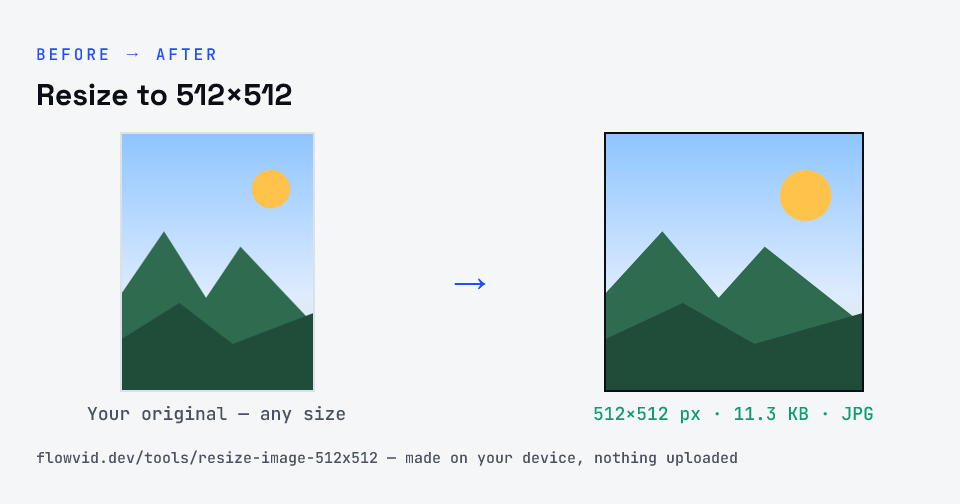
Example Resize to 512×512 image resized to 512×512 px, 11.3 KB JPG
Example Resize to 512×512 image resized to 512×512 px, 11.3 KB JPG.
Before and after: an original image and the same image made to 512×512 px (11.3 KB) with Resize to 512×512
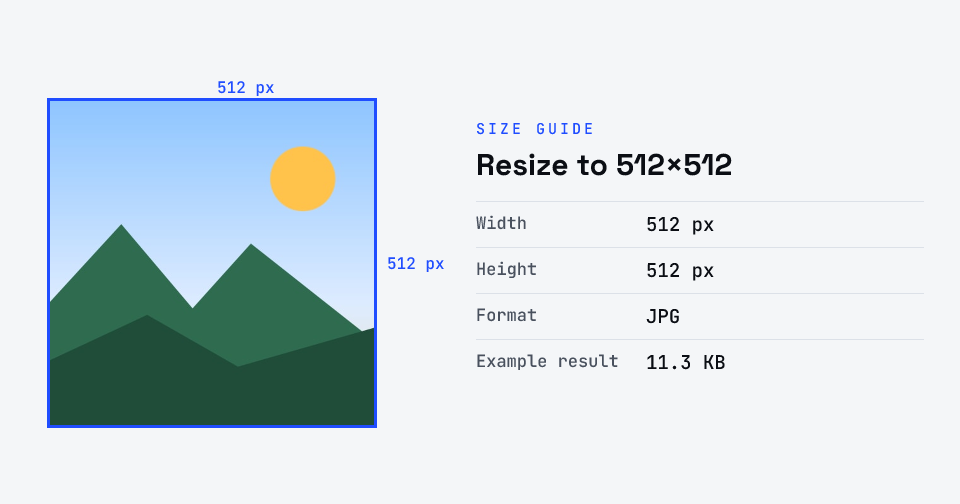
Resize to 512×512 size guide: 512 × 512 px, JPG

How to resize to 512×512

  1. Upload your photo or signature.
  2. The tool resizes it to 512×512 px and compresses it to the required size.
  3. Preview the result and check the dimensions and file size.
  4. Download the ready-to-upload file.

What you can use it for

  • App icons and store assets
  • Square avatars and profile pictures
  • Game and texture assets
  • Forms that require a 512×512 image

Why use FlowVid Tools

  • Private by design — your image is processed on your own device and is never uploaded to any server.
  • Completely free and unlimited — no daily cap, no watermark, no sign-up.
  • Fast — drop your image, get the result in seconds. No queues, no waiting.

Supported formats

This tool accepts JPG, PNG, WebP, HEIC as input and gives you a 512×512 px as output. Everything happens on your device in seconds — your file is never uploaded, so there is nothing for anyone to keep.

FAQ

Frequently asked questions

01

What is 512×512 used for?

512×512 pixels is a common square size for app icons, avatars and image assets. It is large enough to look sharp yet small enough to load quickly.
02

Is my photo uploaded anywhere?

No. The tool runs inside your browser, so your photo is read and processed on your own phone or computer and never sent to our servers or anyone else's. We never receive it, so we can't see, keep or share it — which makes it safe for sensitive documents like Aadhaar, PAN, passports and bank statements.
03

Is this tool really free? Is there a daily limit?

Yes, it's free with no daily limit. Because the work happens on your device, an extra photo costs us nothing — so there's no cap, no watermark and no account needed. Process as many files as you like.
Related

More tools you might need

Edit & resize

Resize, crop, rotate & compress PDF

Jump to a size

Compress to a specific size