Text to Image Converter — Turn Text into a PNG or JPG
Turn a quote, an announcement or a few lines of instructions into a clean image you can post or send. Type in English or Hindi, pick the size and colours, and download a PNG or JPG — made in your browser, with no watermark. Note: this renders the text you type; it does not generate AI artwork from a prompt.
To convert text to an image, type or paste the text, pick a size such as 1080 × 1080 for Instagram or 1080 × 1920 for a status, choose the colours and font size, and download it as a PNG or JPG. The text wraps automatically and stays centred.
100% private — your images never leave your device. No upload, no sign-up. Check it yourself: once this page loads, it works with your internet switched off.
1080×1080 · PNG · 0.0 KB
Advertisement
Example
What the result looks like
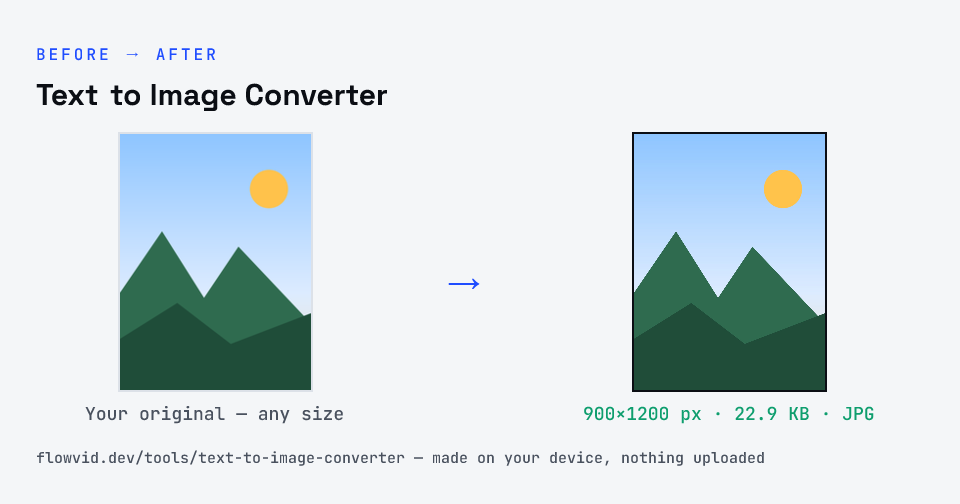
Example image converted to JPG, 900×1200 px, 22.9 KB.
Before and after: an original image and the same image made to JPG (22.9 KB) with Text to Image ConverterText to Image Converter size guide: target JPG, JPG
How to text to image converter
Type or paste your text.
Pick the image size, font size, colours and alignment.
Watch the preview update as you change it.
Download the image as a PNG or JPG.
What you can use it for
Quote or announcement images for Instagram and WhatsApp status
A simple text notice to share in a group
Placeholder or title cards at an exact pixel size
Hindi text as an image where fonts don't display correctly
Why use FlowVid Tools
Private by design — your image is processed on your own device and is never uploaded to any server.
Completely free and unlimited — no daily cap, no watermark, no sign-up.
Fast — drop your image, get the result in seconds. No queues, no waiting.
FAQ
Frequently asked questions
01
Is this an AI text-to-image generator?
+
No. It turns the words you type into an image of those words, laid out at the size you choose. It does not create pictures from a description.
02
Can I write in Hindi?
+
Yes. Devanagari text is drawn with your device's Hindi font, so it renders correctly in the image even where an app would show broken characters.
03
PNG or JPG — which should I choose?
+
PNG keeps text perfectly crisp and is best for most uses. Choose JPG if a site only accepts JPG or you need a smaller file for a photo-style background.
04
Is my photo uploaded anywhere?
+
No. The tool runs inside your browser, so your photo is read and processed on your own phone or computer and never sent to our servers or anyone else's. We never receive it, so we can't see, keep or share it — which makes it safe for sensitive documents like Aadhaar, PAN, passports and bank statements.
05
Is this tool really free? Is there a daily limit?
+
Yes, it's free with no daily limit. Because the work happens on your device, an extra photo costs us nothing — so there's no cap, no watermark and no account needed. Process as many files as you like.