

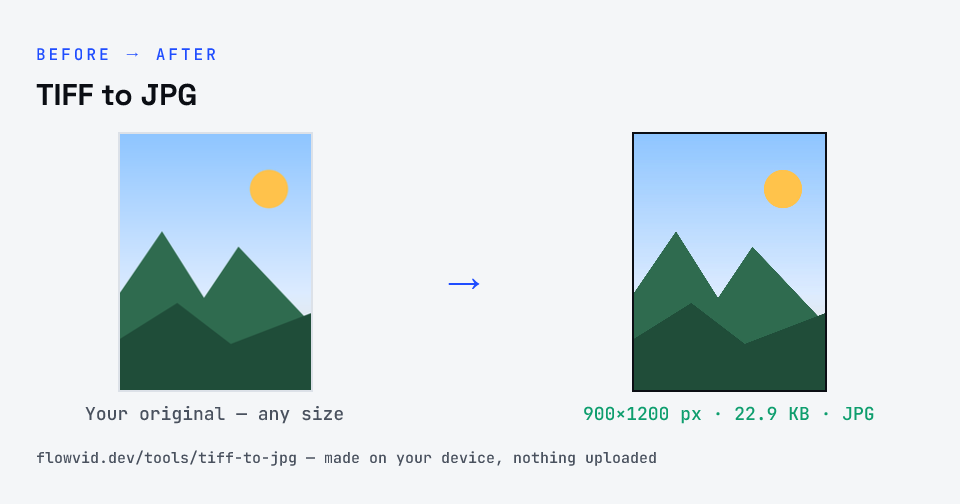
How to tiff to jpg
- Upload your image, or drag and drop it.
- The tool re-encodes it as a JPG in seconds.
- Preview the converted image.
- Download your new JPG file.
What you can use it for
- Office or flatbed scanner output saved as .tif
- Uploading a scanned certificate to a portal that wants JPG
- Sharing archival photos on WhatsApp or email
- Opening TIFF files on a phone that can't display them
Why use FlowVid Tools
- Private by design — your image is processed on your own device and is never uploaded to any server.
- Completely free and unlimited — no daily cap, no watermark, no sign-up.
- Fast — drop your image, get the result in seconds. No queues, no waiting.
Supported formats
This tool accepts TIFF / TIF as input and gives you a JPG as output. Everything happens on your device in seconds — your file is never uploaded, so there is nothing for anyone to keep.
TIFF vs JPG for scanned documents
TIFF stores every pixel, often without compression, which is why archivists and print shops like it — and why a single A4 scan can be 25 MB or more. JPG compresses photographic detail very efficiently, so the same scan is typically a few hundred kilobytes with no difference you can see on screen.
For upload portals, JPG is almost always what is wanted: they cap file size in kilobytes and accept JPG/JPEG by name. Convert the TIFF, then compress to the exact limit if the form sets one.
TIFF to JPG: what changes
JPG (also written JPEG) is the most widely supported photo format on the web. It uses lossy compression to keep files small, which suits photographs, but it cannot store transparency — transparent areas are placed on a solid background — and re-saving the same JPG repeatedly gradually softens fine detail.
The conversion happens entirely in your browser. Your TIFF is decoded with the same engine your browser uses to display images, then the pixels are re-encoded as JPG — so the file never leaves your device, nothing is uploaded, and even large images finish in a second or two.
Converting to JPG re-compresses the picture, trading a little fine detail for a much smaller file. At normal quality that difference is invisible on screen and in uploads, which is why JPG is the common choice for sharing and web pages.