
Convert tool

Convert WebP to PNG Online — Free

Convert WebP images to PNG when you need a lossless file or an image that opens everywhere with transparency intact. The conversion runs on your device and your file is never uploaded.

100% private — your images never leave your device. No upload, no sign-up. Check it yourself: once this page loads, it works with your internet switched off.

convert → PNGon-device · not uploaded

Drop your image here

or click to browse

accepts: WebP

Unlimited and free · processed on this device · nothing is uploaded

Example

What the result looks like

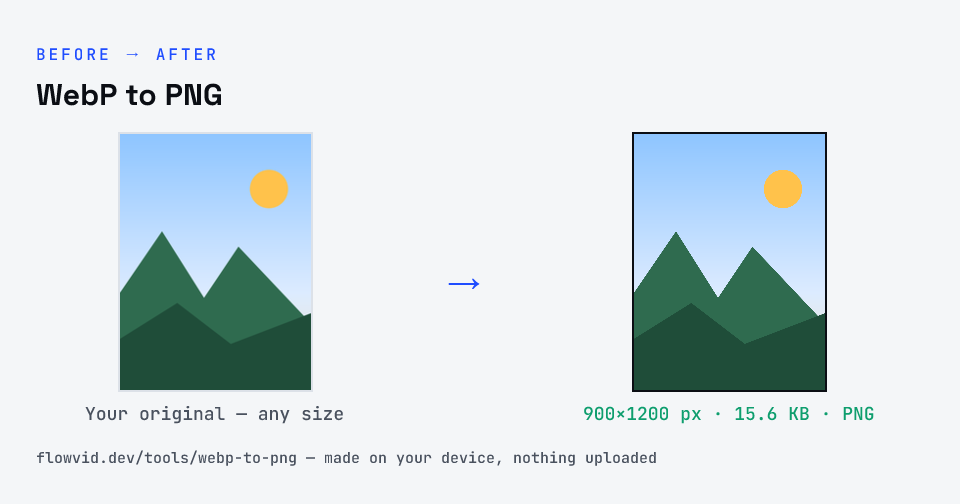
Example image converted to PNG, 900×1200 px, 15.6 KB
Example image converted to PNG, 900×1200 px, 15.6 KB.
Before and after: an original image and the same image made to PNG (15.6 KB) with WebP to PNG
WebP to PNG size guide: target PNG, PNG

How to webp to png

  1. Upload your image, or drag and drop it.
  2. The tool re-encodes it as a PNG in seconds.
  3. Preview the converted image.
  4. Download your new PNG file.

What you can use it for

  • Open WebP images in apps without WebP support
  • Get a lossless PNG copy for editing
  • Keep transparency in a universally-supported format
  • Prepare assets for design software

Why use FlowVid Tools

  • Private by design — your image is processed on your own device and is never uploaded to any server.
  • Completely free and unlimited — no daily cap, no watermark, no sign-up.
  • Fast — drop your image, get the result in seconds. No queues, no waiting.

Supported formats

This tool accepts WebP as input and gives you a PNG as output. Everything happens on your device in seconds — your file is never uploaded, so there is nothing for anyone to keep.

WebP to PNG: what changes

PNG is a lossless format: it reproduces every pixel of the original exactly and supports full transparency, which makes it the right choice for logos, icons, screenshots and line art. Because it keeps all that detail, a PNG of a photograph is usually larger than the same picture saved as JPG or WebP.

The conversion happens entirely in your browser. Your WebP is decoded with the same engine your browser uses to display images, then the pixels are re-encoded as PNG — so the file never leaves your device, nothing is uploaded, and even large images finish in a second or two.

Because PNG is lossless, the converted file keeps the source pixel-for-pixel; the trade-off is size, so expect a larger file than an equivalent JPG or WebP.

FAQ

Frequently asked questions

01

Why convert WebP to PNG instead of JPG?

Choose PNG when you need to keep transparency or want a lossless copy. Choose JPG when you want the smallest possible file and don't need transparency.
02

Is my photo uploaded anywhere?

No. The tool runs inside your browser, so your photo is read and processed on your own phone or computer and never sent to our servers or anyone else's. We never receive it, so we can't see, keep or share it — which makes it safe for sensitive documents like Aadhaar, PAN, passports and bank statements.
03

Is this tool really free? Is there a daily limit?

Yes, it's free with no daily limit. Because the work happens on your device, an extra photo costs us nothing — so there's no cap, no watermark and no account needed. Process as many files as you like.
Related

More tools you might need

Read next

Guides for this tool

Edit & resize

Resize, crop, rotate & compress PDF

Jump to a size

Compress to a specific size