

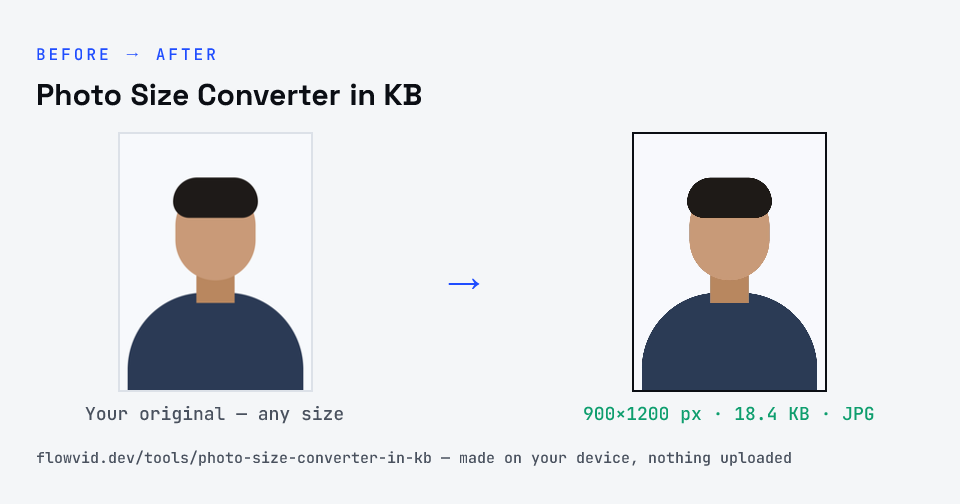
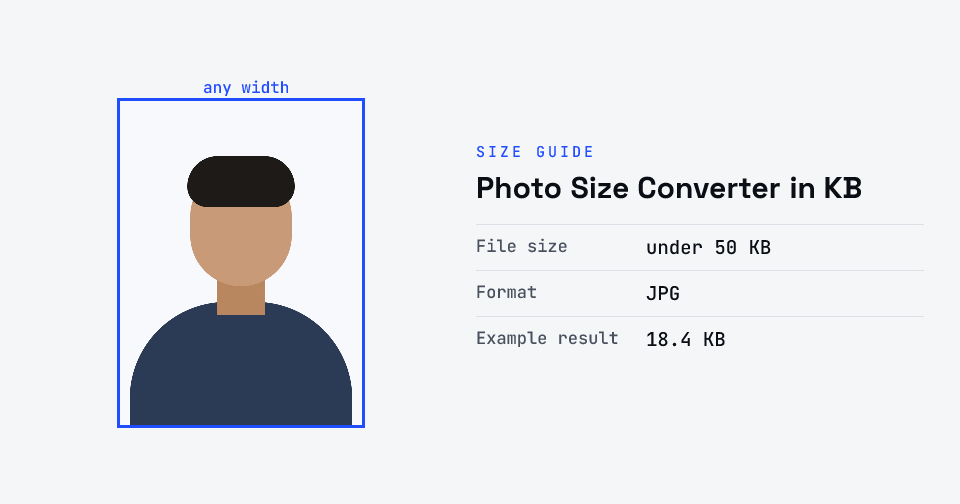
How to photo size converter in kb
- Find the photo or signature size in your notice and pick it — 10KB to 100KB.
- Upload the photo or signature from your gallery or computer.
- It's converted to a JPG just under that size, on your device.
- Download it, or pick the next form's size and download again.
What you can use it for
- Exam application photos with a KB limit
- Signature uploads at 10KB, 15KB or 20KB
- One photo re-sized for several recruitment forms
- Fixing a 'file size too large' error halfway through an application
Why use FlowVid Tools
- Private by design — your image is processed on your own device and is never uploaded to any server.
- Completely free and unlimited — no daily cap, no watermark, no sign-up.
- Fast — drop your image, get the result in seconds. No queues, no waiting.
Supported formats
This tool accepts JPG, PNG, WebP, HEIC as input and gives you a form-ready JPG as output. Everything happens on your device in seconds — your file is never uploaded, so there is nothing for anyone to keep.
Before you convert: get the photo right
The KB limit is the easy part. Notices also care about a recent photo, a plain light background, the face filling most of the frame, and no cap or dark glasses. Fix those in the photo itself — retaking it costs a minute, while a rejected application can cost you the attempt.
Then convert to the size, check the preview and the exact KB on the result card, and keep the downloaded file somewhere you can find it again; you may be asked for the same photo later in the process.