

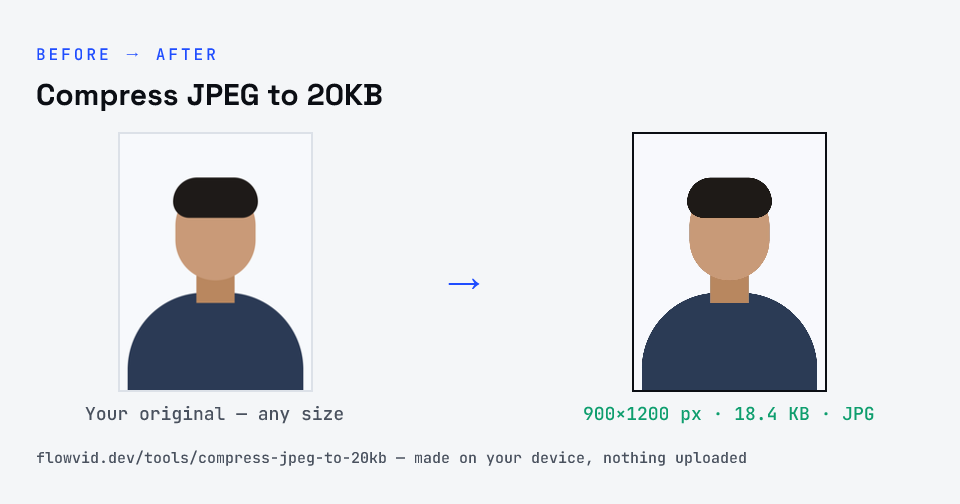
How to compress jpeg to 20kb
- Drop your image in, or click to browse and select it.
- The tool automatically finds the highest quality that still fits under 20KB.
- Check the live preview and the final file size.
- Download your optimised image — ready to upload.
What you can use it for
- Exam and recruitment photos limited to 20KB
- A camera JPG that's hundreds of times over the limit
- Small JPG avatars for older systems
- Signature JPGs for forms with a 20KB field
Why use FlowVid Tools
- Private by design — your image is processed on your own device and is never uploaded to any server.
- Completely free and unlimited — no daily cap, no watermark, no sign-up.
- Fast — drop your image, get the result in seconds. No queues, no waiting.
Supported formats
This tool accepts JPG, PNG, WebP, HEIC as input and gives you a 20KB image as output. Everything happens on your device in seconds — your file is never uploaded, so there is nothing for anyone to keep.
How JPEG reaches a 20KB target
A JPEG encoder splits the picture into small blocks and stores each one as a blend of smooth patterns, discarding the finest ones first. The quality setting decides how much is thrown away. At 20KB a lot has to go, so the tool binary-searches quality: try a value, measure the file, move up or down, and stop at the best one that fits.
If even a low quality setting can't reach 20KB, the image has more pixels than the budget can describe. Shrinking it a step at a time solves that without the ugly block edges you get from forcing quality to the floor.